
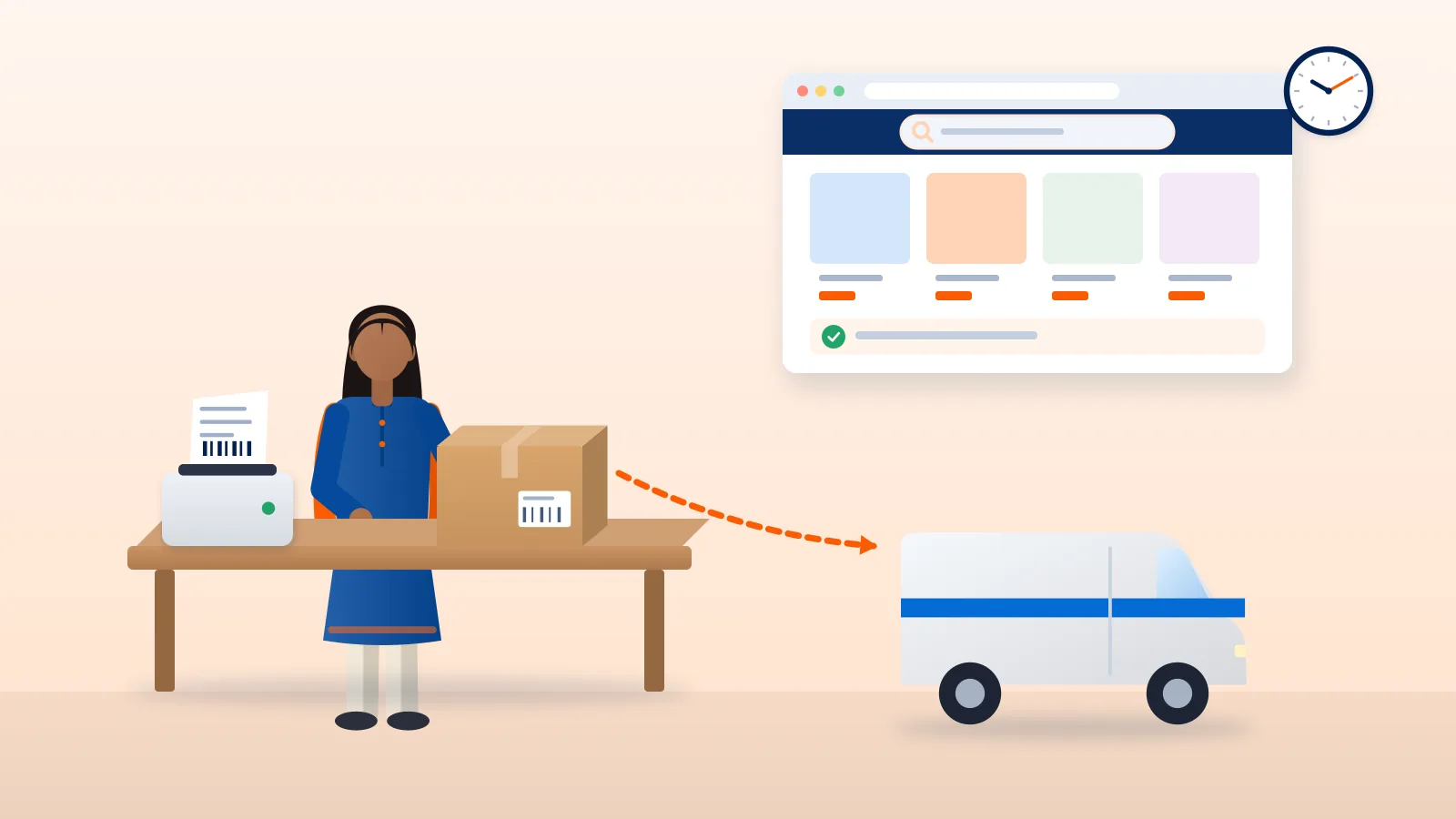
Amazon Self Ship is the Amazon.in option where you handle delivery yourself. You keep the stock, pack the order, book a courier or your own delivery staff, and upload the tracking details to Seller Central. Amazon sells the product and takes its selling fees. Getting the parcel to the buyer is your job.
This guide explains how Self Ship compares with Easy Ship and Fulfilment by Amazon (FBA), what Amazon expects from you on every order, how to pick a courier, and what to check on COD, returns and fees. Amazon’s rules change, so the guide links to Amazon’s own pages. Check Seller Central for anything that affects your account.
The three Amazon.in fulfilment models
Amazon’s shipping and fulfilment page describes three main ways to fulfil Amazon.in orders. At the time of writing (October 2026), it sets them out like this:
| FBA | Easy Ship | Self Ship | |
|---|---|---|---|
| Who stores stock | Amazon fulfilment centres | You | You |
| Who packs | Amazon | You | You |
| Who delivers | Amazon | Amazon picks up from you and delivers | You, through your own staff or a third-party courier |
| Returns and customer service | Amazon | Amazon can handle returns (optional) | You |
| Pay on Delivery (COD) for buyers | Available | Available | Not available |
| Amazon fees (types, not amounts) | Referral + closing + fulfilment fee | Referral + closing + shipping fee | Referral + closing fee; you pay the courier yourself |
Who Self Ship suits
Amazon’s page says Self-Ship suits large-scale sellers with their own warehousing and delivery networks. It also mentions local shops that deliver to nearby pincodes through the Local Shops on Amazon programme.
In practice, Self Ship tends to fit you if:
- you already ship from your own warehouse for your website or other marketplaces, and have courier accounts in place;
- you sell items that need special packing or handling and want control over it;
- you deliver locally with your own staff;
- most of your Amazon buyers pay online, because Self Ship does not offer Pay on Delivery at the time of writing.
If you want Amazon to collect from your premises and deliver, Easy Ship is closer to what you need. If you want Amazon to store, pack and ship as well, look at FBA.
Amazon Easy Ship vs Self Ship: the core difference
Both models keep the stock with you. The difference is who carries the parcel after you pack it.
- Easy Ship: you pack, Amazon picks up and delivers. Amazon charges a shipping fee on top of referral and closing fees. Buyers can choose Pay on Delivery.
- Self Ship: you pack and deliver. Amazon does not charge a shipping fee, but you pay your courier directly. You handle tracking, returns and customer service.
Self Ship gives you more control over courier choice and cost, and more responsibility. A late dispatch or a missing tracking ID counts against your account, not the courier’s.
Your responsibilities on every Self Ship order
1. Pick, check and pack
Amazon’s self-ship guide describes the routine: pick the right product, check it against the order details, pack it, and print the label. From the Manage Orders page in Seller Central, you can print a packing slip. The guide says to put the packing slip inside the box and attach the shipping label outside.
Pack for the courier’s network, not just for the buyer. Weigh and measure the packed box. Couriers bill on chargeable weight, so a loose box can cost more than you expect. Our guide to volumetric weight and shipping charges explains how this works.
2. Ship within your dispatch window
Each order has an expected ship date in Seller Central. Hand the parcel to the courier and confirm the shipment by that date. Amazon names Late Dispatch Rate as a seller performance measure. At the time of writing, its Grow Your Business page lists “Late Dispatch Rate < 2%” as one condition for its new seller incentives. Your own targets and status appear on the Account Health page in Seller Central.
Set your handling time to what your team can actually meet, including weekends and courier pickup cut-offs.
3. Confirm shipment and upload tracking
Amazon’s self-ship guide describes the steps:
- Open Orders > Manage Orders in Seller Central.
- Click Confirm shipment for the order.
- Enter the ship date, the shipping carrier and the tracking number.
- For an order sent in more than one box, use Add a Package and enter each package’s details.
Amazon’s seller tracking article (August 2025) says sellers must upload tracking details within 24 hours of dispatch to meet performance standards. It also says that when you give a courier tracking ID, the link becomes clickable so you and the buyer can follow the parcel.
4. Keep tracking valid
Uploading a number is not enough. It has to be a tracking ID that Amazon can recognise for the carrier you selected. Amazon’s seller forum carries an announcement about a Valid Tracking Rate policy for seller-fulfilled orders, with a minimum required at category level. Check the Account Health page in Seller Central for how the metric applies to your account and categories.
Common causes of invalid tracking are typing errors, choosing the wrong carrier name, or uploading an ID from a courier whose tracking Amazon cannot read.
5. Meet the delivery promise
The buyer sees a delivery estimate when ordering. Amazon’s tracking article warns that if a seller consistently fails to meet promised delivery timelines, Amazon can downgrade account metrics. Choose couriers and service types that can reach your buyers’ pincodes in the time your listing promises.
Choosing an Amazon Self Ship courier
You can use any courier, but check these points before you commit.
- Carrier list. When you confirm a shipment, Seller Central shows a list of carriers. Confirm your courier appears there and that its tracking IDs are accepted for valid tracking. Do this in Seller Central for your own account, because the list and rules can change.
- Pincode coverage. Check that the courier serves your pickup pincode and the delivery pincodes you sell to most. A pincode serviceability check helps here.
- Pickup reliability. A courier that misses pickups pushes you into late dispatch.
- Tracking quality. You need a tracking ID at booking and regular scan updates, so the buyer and Amazon can see progress.
- Cost. Compare charges for your typical box size and zones. The shipping rate calculator gives indicative charges.
Amazon also runs its own courier service, Amazon Shipping. Its India site says you can deliver your self-ship Amazon.in orders with Amazon Shipping. It also says a valid GST registration is needed to onboard.
Amazon Self Ship COD: what to check
At the time of writing (October 2026), Amazon’s shipping and fulfilment page marks Pay on Delivery as available for FBA and Easy Ship, and not available for Self-Ship.
What this means for you:
- If many of your buyers prefer to pay on delivery, Self Ship may reduce your conversions on Amazon.
- Some sellers use Easy Ship or FBA for COD-heavy products and Self Ship for others.
- Amazon can change this. Check the current position in Seller Central before planning around it.
Returns on Self Ship
Amazon’s fulfilment page says that on Self-Ship, you manage returns and customer service. In practice, plan for:
- Return pickups: how the parcel gets back to you, and which courier collects it. Not every courier offers reverse pickups in every pincode.
- Return address and inspection: who checks the returned item and how fast.
- Undelivered parcels: orders that fail delivery and return to you (RTO) need tracking until they reach your address. See our guide to NDR and RTO.
- Amazon’s returns policy: buyers return under Amazon’s policy for the category, not yours. Read the returns rules for your categories in Seller Central.
Costs: what you pay Amazon and what you pay the courier
On Self Ship, you pay two sets of charges.
Amazon’s fees. Amazon’s fees page lists a referral fee and a closing fee. It says the closing fee varies with the fulfilment channel, and that Amazon.in levies no shipping fee for Self-ship because you take care of delivery. The page says fees shown exclude GST, which is added. Amazon revises its fees from time to time, so use the current fees page and Seller Central rather than figures quoted on other websites.
Courier charges. You pay the courier directly. These usually depend on chargeable weight, zone and service type. Packing material and your team’s time are costs too.
Example (hypothetical round numbers): if an order sells for ₹1,000, your Amazon fees are ₹X and your courier charge is ₹Y, your contribution before product cost is ₹1,000 − ₹X − ₹Y. Run this sum for Self Ship and Easy Ship using Amazon’s current fees and your courier’s real rates before you choose.
For GST on fees and shipping charges, confirm the treatment with your CA or tax adviser.
Amazon Self Ship checklist
Before you switch on Self Ship:
- Read the current Self-Ship, COD and returns details in Seller Central.
- Set handling time that your team can meet every day.
- Pick at least one courier that serves your key pincodes, and confirm in Seller Central that it is in the carrier list with valid tracking.
- Agree pickup times with the courier.
- Set up a packing station with a scale and tape measure.
- Plan return pickups and an RTO process.
For every order:
- Pick, check and pack against the order details.
- Book the courier and get the tracking ID.
- Hand over before the expected ship date.
- Confirm shipment in Seller Central with the correct carrier and tracking ID, within 24 hours of dispatch.
- Watch for delivery failures and act on them.
Every week:
- Check Account Health: Late Dispatch Rate, tracking metrics and delivery performance.
- Compare courier invoices with your declared weights.
Shipping Amazon Self Ship orders with Courier Tales
Courier Tales is a shipping platform for Indian online sellers. Amazon marketplace orders are not imported into Courier Tales automatically. To ship Self Ship orders, you upload them by CSV or Excel bulk upload, compare serviceable couriers with estimated charges, and book with an integrated courier: Delhivery, Xpressbees, Ekart, Shadowfax or Amazon Shipping (surface), depending on pincodes and your account settings. You can then print labels and pickup manifests.
You still confirm each shipment in Amazon Seller Central yourself, with the carrier name and tracking ID. Before you start, confirm in Seller Central that the courier you book meets Amazon’s Self-Ship tracking requirements.
To try it with your own orders, create a Courier Tales account.
Frequently asked questions
What is Amazon Self Ship?
It is the Amazon.in fulfilment option where you store, pack and deliver orders yourself, using your own delivery staff or a third-party courier. Amazon does not pick up or deliver Self Ship orders.
Can I offer cash on delivery on Self Ship orders?
At the time of writing (October 2026), Amazon's shipping and fulfilment page marks Pay on Delivery as not available for Self-Ship. Check Seller Central for your account's current settings before relying on it.
Which courier can I use for Amazon Self Ship?
You can use any courier you choose, but the tracking ID you upload must be one Amazon accepts as valid. Confirm in Seller Central that your courier appears in the carrier list and that its tracking IDs are accepted.
Does Amazon charge a shipping fee on Self Ship?
Amazon's fees page says Amazon.in does not levy a shipping fee for Self-ship, because you arrange and pay for delivery yourself. Referral and closing fees still apply.
Sources
- Shipping and fulfilment options, Amazon.in (Sell on Amazon) (accessed 19 October 2026)
- How to Sell on Amazon.in: A Beginner's Guide, Amazon.in (Sell on Amazon) (accessed 19 October 2026)
- Amazon Pricing & Seller Fees, Amazon.in (Sell on Amazon) (accessed 19 October 2026)
- A complete guide to self ship your orders on Amazon, Amazon.in Seller Blog (accessed 19 October 2026)
- How to Track Amazon Shipments as a Seller, Amazon.in Seller Blog (accessed 19 October 2026)
- Grow Your Amazon Business (New Seller Incentives), Amazon.in (Sell on Amazon) (accessed 19 October 2026)
- Valid Tracking Rate policy update for seller-fulfilled orders, Amazon Seller Forums (News_Amazon announcement) (accessed 19 October 2026)
- Amazon Shipping: small and medium business delivery, Amazon Shipping India (accessed 19 October 2026)
Courier, marketplace and tax rules change. Check the current terms with your courier, marketplace or adviser before relying on them.