
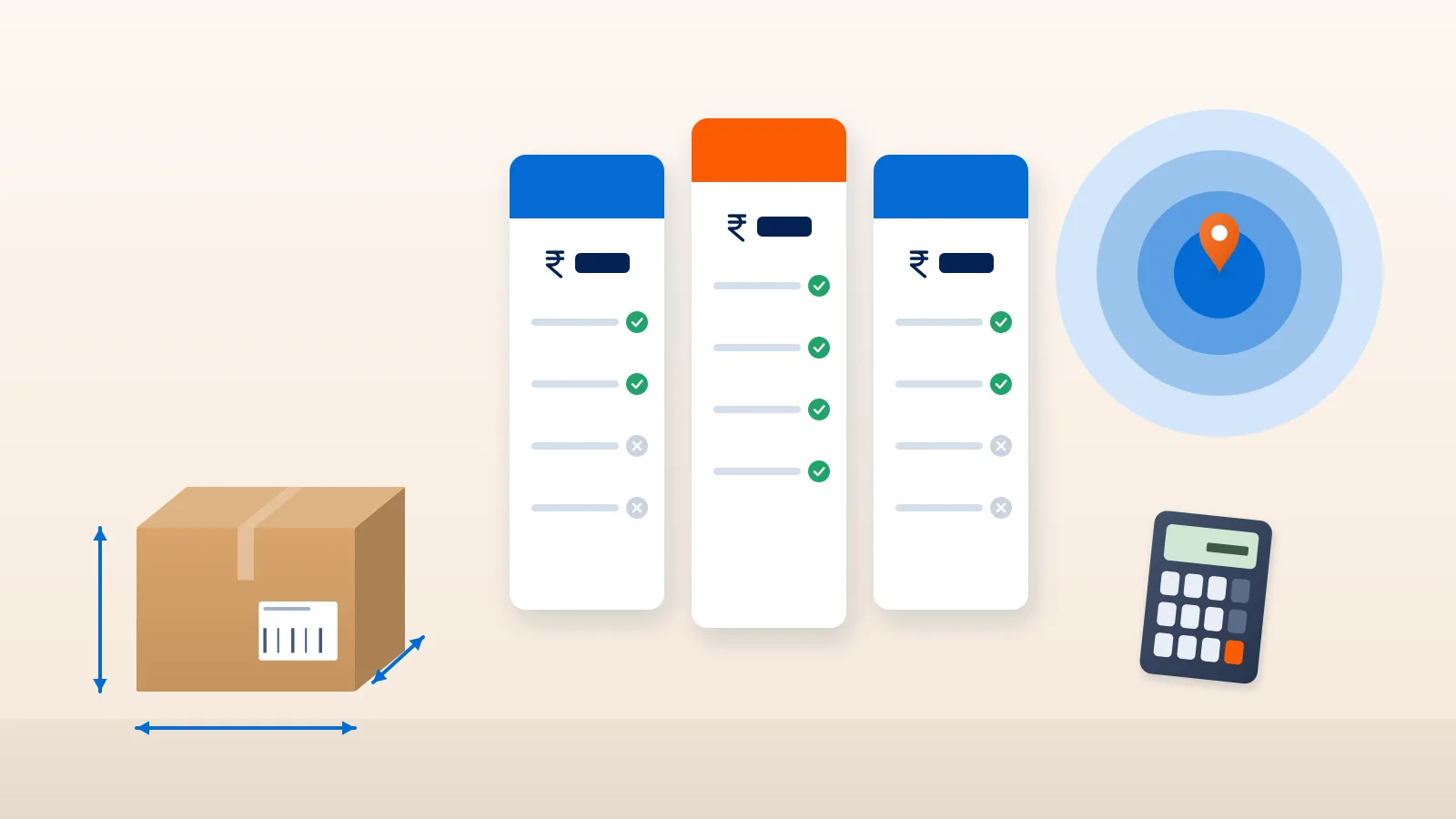
“₹38 for 500 grams” sounds like a clear price. It is not. That figure tells you what one courier charges for the lightest slab, on one zone, before COD, returns, surcharges and tax. The parcel you actually ship next Tuesday may weigh 1.2 kg once boxed, go to a hill town on a COD order, and cost several times the headline.
To compare courier rates properly, you have to compare them on your orders. This guide shows how to do that, step by step, with a worked example at the end. If you want to know your overall shipping cost per order first, read our guide on calculating shipping cost per order.
Step 1: Build a sample basket of real orders
Export your last 50 to 100 orders and keep, for each one:
- Pickup and delivery pincodes
- Packed weight and packed box dimensions (length, breadth, height in cm)
- Payment mode (prepaid or COD) and order value
- Whether it was delivered or came back as RTO
This basket is your test. Every courier gets priced on the same orders, so the comparison is fair. Include your awkward orders, such as heavy parcels and far pincodes, not just the easy ones.
Step 2: Work out chargeable weight for each courier
Couriers bill on chargeable weight: the higher of actual (dead) weight and volumetric weight. Volumetric weight is the box volume divided by a divisor. At the time of writing, Delhivery’s help centre gives the formula as length × breadth × height in cm ÷ 5000 for surface and express, and says flyer shipments are charged on dead weight up to 1 kg. Other couriers may use a different divisor or different rules for flyers, so ask each one.
Example: a box 30 × 25 × 10 cm weighing 1.1 kg. Volumetric weight is 7,500 ÷ 5,000 = 1.5 kg, so the chargeable weight is 1.5 kg, not 1.1 kg. Our guide to volumetric weight and shipping charges has more worked examples.
Step 3: Apply each courier’s slabs and rounding
Most rate cards price a first slab (often 500 g) and then each additional slab. Chargeable weight is rounded up to the next slab, so 1.1 kg on a 500 g slab structure is billed as 1.5 kg.
Check for each courier:
- The size of the first slab and each additional slab
- Whether additional slabs change size above a certain weight
- Whether there is a minimum billable weight
A courier with a low first-slab rate and a high additional-slab rate can look good on light parcels and poor on heavier ones.
Step 4: Map every order to each courier’s zone
Price depends on the route, and couriers group routes into zones. At the time of writing, Delhivery’s rate card lists six: local (A), regional within about 500 km (B), metro to metro (C), rest of India (D), and two special zones (E and F) that cover areas such as Jammu, Himachal Pradesh, the North East, Kashmir, Ladakh and the Andaman and Nicobar Islands. Other couriers define zones in their own way.
So a Jaipur-to-Guwahati order may be “rest of India” on one card and a special zone on another. Map each order in your basket to each courier’s zone; do not assume. Also confirm the courier actually delivers there with the pincode serviceability checker. A rate for a pincode the courier does not serve is worth nothing.
Step 5: Add COD charges
COD charges are usually separate from freight. Common structures are a fixed amount per parcel, a percentage of the order value, or whichever of the two is higher. Amazon Shipping India’s page, for example, describes its COD charge as a fixed amount or a percentage of product value, whichever is higher, with no added charge for prepaid deliveries.
With a “whichever is higher” rule, the percentage takes over on expensive orders. Apply each courier’s rule to every COD order in your basket, using the real order value.
Step 6: Add RTO charges at your real RTO rate
Some parcels come back, and you pay for that. Find out:
- Whether RTO is charged at the forward rate, a different rate, or a percentage
- Whether the COD charge is reversed or still billed on returned COD parcels
- Whether surcharges apply to RTO as well (Delhivery’s rate card, for example, says its destination city surcharge applies to RTO shipments)
Then apply your actual RTO rate for each lane. If a courier returns more parcels on your lanes, its effective cost rises even if its rate card is lower.
Step 7: Add surcharges
These are the lines that make invoices differ from quotes:
- Fuel surcharge. Often a percentage of freight that can change over time. Ask how it is calculated and how often it is revised.
- City or area surcharges. Delhivery’s rate card, for example, adds a destination city surcharge in select cities in regions such as NCR, Mumbai, Bengaluru, Chennai, Hyderabad, Pune, Ahmedabad, Kolkata, Chandigarh, Surat and Goa, on top of zone rates and separate from the fuel surcharge.
- Out-of-delivery-area charges for remote pincodes.
- Other add-ons such as address correction or reattempt fees, where they apply.
Our guide on unexpected courier charges covers each of these in more depth.
Step 8: Add GST and compare like with like
Check whether each rate card includes GST or adds it on top. If one quote includes tax and another does not, the comparison is broken before you start. If you are GST-registered, ask your CA whether you can claim input tax credit on courier invoices.
Compare couriers on the same order, side by side. Courier Tales shows the integrated couriers that serve each pickup and delivery pincode with estimated charges, using chargeable weight as the higher of actual and volumetric weight (L × B × H ÷ 5000).
A worked example on a three-order basket
Both rate cards are invented for illustration. They are not real courier rates or Courier Tales rates. All three orders go to the same “rest of India” zone with both couriers.
| Rate card item | Courier X | Courier Y |
|---|---|---|
| First 500 g | ₹38 | ₹44 |
| Each additional 500 g | ₹36 | ₹30 |
| COD charge | ₹40 or 2%, whichever is higher | ₹30 or 1.5%, whichever is higher |
| Fuel surcharge | 12% of freight | Included in freight |
The basket:
- Order A: prepaid, ₹499, a soft item in a flyer, chargeable weight 0.5 kg
- Order B: COD, ₹1,200, chargeable weight 1.5 kg
- Order C: COD, ₹2,500, chargeable weight 2.0 kg
| Courier X | Courier Y | |
|---|---|---|
| Order A freight | ₹38 | ₹44 |
| Order B freight | ₹110 | ₹104 |
| Order C freight | ₹146 | ₹134 |
| Fuel surcharge | ₹35.28 | ₹0 |
| COD, order B | ₹40 | ₹30 |
| COD, order C | ₹50 | ₹37.50 |
| Total before GST | ₹419.28 | ₹349.50 |
| Total with 18% GST | ₹494.75 | ₹412.41 |
On the headline 500 g rate, Courier X looks cheaper. On this basket, Courier Y costs about ₹82 less. On a basket of only light prepaid parcels, X would come out ahead. That is why the basket has to look like your real orders.
Now add performance. If Courier X delivered more of your COD orders on these lanes, its lower RTO cost could close part of the gap. Price is the start of the comparison, not the end. Our guide on how to choose a courier partner covers the performance side.
Use a calculator for the first pass
Doing this by hand for 100 orders is slow. For a quick first pass on your common routes and weights, use the shipping rate calculator, then check the detailed rate cards for the couriers that look promising. Revisit the comparison whenever a courier revises its rates or your order mix changes, for example after you add a heavier product or start selling heavily in a new region.
Final thoughts
The only fair way to compare courier rates is on the orders you really ship: their chargeable weights, zones, payment modes and return rates, with every surcharge and GST included. Done once properly, the comparison often looks quite different from the headline quotes, and it gives you a sound basis for choosing a courier lane by lane.
Create your Courier Tales account to see estimated charges from several couriers for every order before you book.
Frequently asked questions
Why is the courier rate I was quoted different from my invoice?
Quotes are often for the first weight slab on one zone. Invoices reflect the chargeable weight the courier measured, the actual zone, COD and RTO charges, surcharges and GST. Compare rate cards on your real orders to avoid the gap.
What is the difference between actual and chargeable weight?
Actual weight is what the parcel weighs on a scale. Chargeable weight is the higher of actual and volumetric weight, which is worked out from the box dimensions. Couriers bill on chargeable weight, rounded up to their slab.
Are courier zones the same for every courier?
No. Each courier defines its own zones, usually from local and regional routes to metro, rest of India and special areas. The same pickup and delivery pincodes can fall in different zones with different couriers, so check each one.
How many orders should I use to compare courier rates?
Use a sample that reflects your real mix, such as the last 50 to 100 orders, covering your common weights, zones, COD and prepaid orders. A comparison on one parcel can point the wrong way.
Sources
- Rate Card, Delhivery One Help Center (accessed 2 November 2026)
- Calculating Volumetric Weight, Delhivery One Help Center (accessed 2 November 2026)
- Small and medium parcel delivery, Amazon Shipping India (accessed 2 November 2026)
Courier, marketplace and tax rules change. Check the current terms with your courier, marketplace or adviser before relying on them.