
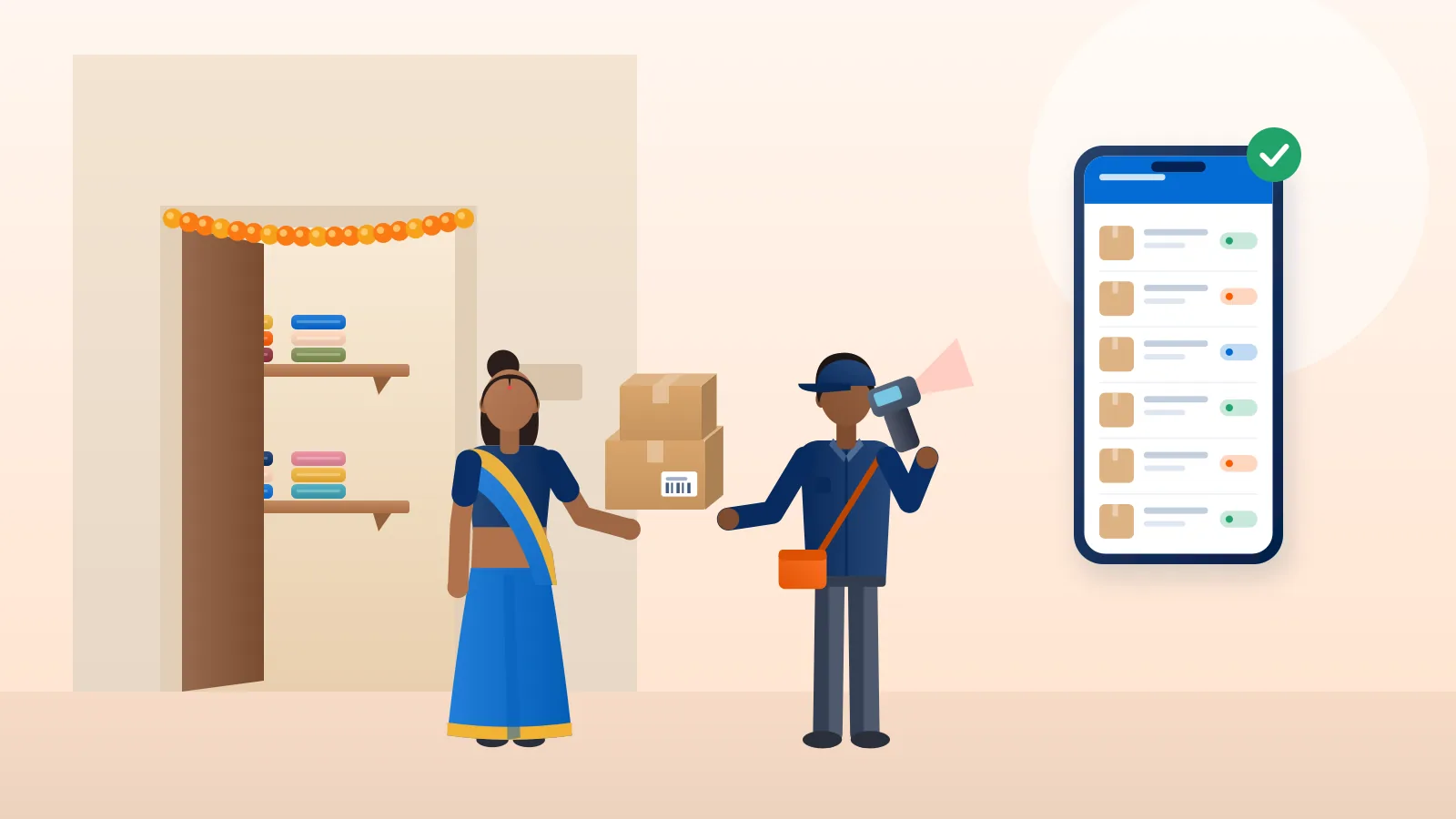
A physical shop used to be the price of entry for selling anything. You needed rent, a counter, staff and a location with footfall. Today a seller in Indore can pack a kurta on the dining table in the morning and a buyer in Guwahati can be wearing it a few days later. No shop was involved.
That does not mean selling without a shop is effortless. The shop’s jobs still have to be done, just differently. Customers still need to find you, trust you, pay you and receive the product. This guide covers how to do each of those from home or a small workspace.
What a shop did, and what replaces it online
| A physical shop gave you… | Online, you replace it with… |
|---|---|
| Footfall | A marketplace listing, social media posts, search or ads |
| A place to see and touch the product | Clear photos, videos, sizes and honest descriptions |
| Trust from a visible address | Reviews, a clear return policy and quick replies |
| Cash at the counter | UPI, a payment gateway or cash on delivery |
| The buyer carrying goods home | Packaging, a courier and tracking |
Once you see it this way, selling without a shop becomes a list of jobs you can plan for.
Step 1: Choose where buyers will find you
Marketplaces
Amazon, Flipkart, Meesho and other marketplaces already have buyers searching. You list the product, the marketplace handles the storefront, and you pack and ship (or use the marketplace’s own fulfilment options). In exchange you pay fees and follow their policies on pricing, returns and dispatch times. Most ask for a GSTIN and a bank account at sign-up.
Social selling: Instagram, Facebook and WhatsApp
Social selling suits products that look good in photos and video: clothing, jewellery, home décor, food and handicrafts. A home baker in Pune might post a new cake each morning on Instagram and take orders over WhatsApp. There are no listing fees, but you do every step yourself: replying, confirming the address, collecting payment and booking the courier.
Your own website
A Shopify or WooCommerce store gives you a brand you own and customer data you keep. It suits sellers who already have some following, or who plan to spend on marketing. Our guides to Shopify shipping in India and WooCommerce shipping cover the shipping setup.
Start with one channel. A beginner who tries to run a marketplace store, an Instagram page and a website at once usually does all three badly.
Step 2: Make your listings do the shop’s job
Without a counter, your photos and words have to answer every question a buyer would ask in person.
- Photos: Natural light, a plain background, and the product shown from several angles. Add one photo of the product in use and one with something familiar for scale, such as a hand or a coffee mug.
- Descriptions: Size, material, weight, care instructions and what is in the box. If a saree’s blouse piece is unstitched, say so.
- Price: Show the full price clearly. If you charge for shipping or COD, show that before the buyer orders, not after.
- Policies: Write a short, plain return and exchange policy and stick to it.
Step 3: Set up a home workspace for stock and packing
You do not need a warehouse, but you do need order.
- One storage area. Keep stock in labelled boxes or shelves, away from damp and direct sunlight. Electronics, cosmetics and food need extra care.
- A packing station. A table with tape, a cutter, a weighing scale, boxes in two or three standard sizes, and filler. A scale matters: couriers charge on weight, and guessing leads to surprise charges.
- A simple stock record. Even a spreadsheet with product, quantity in and quantity sold stops you from selling things you no longer have.
Choose box sizes carefully
Couriers charge on the higher of the actual weight and the volumetric weight, calculated from the box dimensions. A cushion cover in a large carton can be charged as if it weighed much more than it does. Choosing the smallest box that protects the product is one of the easiest savings a home seller can make. See how volumetric weight affects courier charges.
Step 4: Arrange shipping from your home address
This is the part that worries most first-time sellers: “Will a courier really come to my house for one parcel?”
You have three main options:
- Drop off at a courier counter. Fine for occasional parcels, but it takes time and you get no comparison of rates.
- Open an account with one courier. Useful once your volume is steady, though one courier will not serve every pincode equally well, and many expect minimum volumes.
- Use a multi-courier shipping platform. You enter your home as the pickup address, compare couriers for each order, book, print the label and schedule the pickup.
With Courier Tales, for example, you add your pickup address once and then, for each order, see the integrated couriers that serve that route with their estimated charges. Labels and pickup manifests are printed from the dashboard, and your buyer can be sent a tracking link. If you sell on social media without a store, you can upload orders in bulk from a spreadsheet instead of typing them in one by one.
Selling from home? Add your home as a pickup address, compare courier options for every order and track each parcel in one place.
Step 5: Take payments safely
- Prepaid (UPI, cards, net banking): The money reaches you before you ship. For social selling, share a payment link from your gateway or a UPI QR code, and check that the payment has actually arrived before you dispatch.
- Cash on delivery: Many buyers prefer it, particularly for first purchases from an unknown seller. The courier collects the cash and remits it to you after delivery, on the cycle set by your courier or shipping platform. COD costs more to ship and more COD parcels come back undelivered, so watch your numbers.
Be careful with screenshots. Fake “payment successful” screenshots are a common scam in social selling. Confirm the payment in your bank or gateway app, not from an image sent in chat.
Step 6: Handle returns and failed deliveries
Even careful sellers get some parcels back. The buyer was not home, refused the parcel, or gave a wrong address. Plan for it:
- Confirm the address and phone number before dispatch, especially for COD orders taken over chat.
- When the courier reports a failed delivery (an NDR), contact the buyer quickly and arrange a reattempt.
- Inspect returned products before restocking them.
Our guide to NDR and RTO in ecommerce explains what happens to an undelivered parcel and how to reduce returns.
Step 7: Keep paperwork in order
Selling without a shop does not mean selling without rules.
- GST: If you sell goods to buyers in other states, you will generally need GST registration whatever your turnover. Since October 2023, small sellers supplying goods through an e-commerce platform only within their own state can enrol without full registration, subject to conditions. A CA can confirm what applies to you.
- Food products: Home-made food sold to the public needs FSSAI registration or a licence.
- Invoices: Send an invoice with every order. Marketplaces generate them for you; for social and website orders, use billing software or your store’s invoicing feature.
- Records: Keep courier invoices, COD remittance statements and payment gateway reports. They make your accounts and tax filing much simpler.
A day in the life: how it fits together
Meera sells block-printed cotton bedsheets from her home in Jaipur through Instagram.
- Morning: She replies to overnight enquiries, confirms three orders, and checks that two prepaid payments have arrived.
- Late morning: She packs the orders, weighs each parcel and books the shipments, choosing a courier for each route.
- Afternoon: The courier collects the parcels from her door. Her buyers get tracking links.
- Evening: She photographs a new design and posts it.
No shop, no rent, and the jobs a shop used to do are all still covered.
Final thoughts
Selling online without a physical shop removes the biggest fixed costs of retail, but it puts more weight on the parts buyers cannot see: accurate listings, careful packing and dependable delivery. Get those right and a small home business can serve buyers in every corner of the country.
Create your Courier Tales account to compare courier options, book pickups from your home address and track every order from one dashboard.
Frequently asked questions
Can I sell online from home without a shop or office?
Yes. Many Indian sellers run their business from home: they store stock in a spare room, pack orders and hand parcels to the courier at their door. You will need an address for pickups and, depending on your registrations, an address on your GST record. Check whether your housing society or local rules restrict commercial activity at home.
Where can I sell if I don't have a website?
You can sell through marketplaces such as Amazon, Flipkart and Meesho, or directly through Instagram, Facebook and WhatsApp. You can add your own website later once you know what sells.
How do couriers collect parcels from a home address?
When you book a shipment through a courier or a shipping platform, you give a pickup address. The courier's pickup executive collects the packed, labelled parcels from that address. Pickup availability depends on the courier and the pincode.
Do I need to keep stock to sell online?
Not always. Some sellers make to order (for example custom gifts or tailored clothes), and some work with a supplier who keeps the stock. Keeping some stock yourself gives you control over quality and dispatch speed.
Sources
- Notification No. 34/2023 – Central Tax, GST Council (accessed 2 November 2026)
- Food Safety Compliance System (FoSCoS), Food Safety and Standards Authority of India (accessed 2 November 2026)
Courier, marketplace and tax rules change. Check the current terms with your courier, marketplace or adviser before relying on them.