
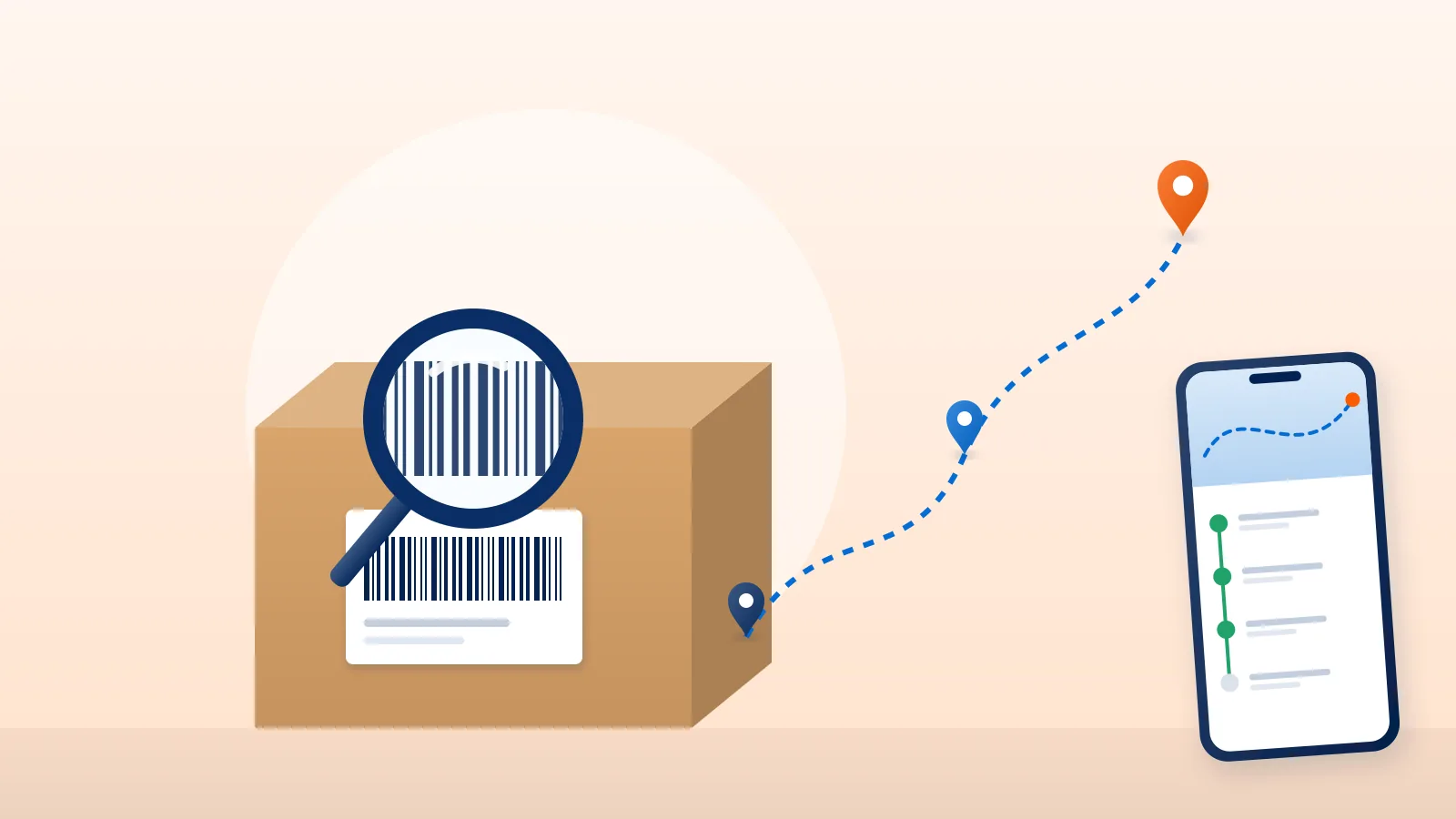
Every courier parcel in India travels under a tracking number called an AWB number. If you have it, you can see where your parcel is. This page explains what the number is, where to find it, how to track with it, and what the statuses mean.
What is an AWB number?
AWB stands for air waybill. The name comes from air freight, but Indian couriers use it for every shipment, by road or air. It is the unique number the courier gives a parcel when it is booked. Each scan along the way, from pickup to delivery, is recorded against that number.
An AWB number is not the same as your order number. The store gives you an order number. The courier gives the parcel an AWB number.
Where to find the AWB number
- On the shipping label. The AWB is printed on the label, usually next to a barcode.
- In the shipping confirmation from the store. Many stores send the courier name, AWB number and a tracking link by email or SMS when your order ships.
- On the store’s order page. Some stores show tracking details in “My orders” or on the order confirmation page.
If you can’t find it, ask the store you ordered from. They can see the AWB for your order.
How to track your shipment
On Courier Tales
If the store shipped your parcel through Courier Tales, you can track it on the Courier Tales tracking page:
- Choose AWB number and enter the AWB. You don’t need anything else.
- Or choose Order ID or Shipping ID (Shipping IDs start with “CT”), and enter the delivery phone number on the order as well. The phone number confirms the order is yours.
You’ll see the courier, the current status and the shipment’s journey. Updates appear as the courier reports them, so a new scan can take a little while to show. For privacy, the tracking page never shows the buyer’s name or address.
On the courier’s own website
You can also track on the courier’s site with the same AWB number:
| Courier | Where to track |
|---|---|
| Delhivery | delhivery.com/tracking |
| Shadowfax | shadowfax.in/track |
| Amazon Shipping | track.amazon.in |
| Xpressbees | The tracking option on xpressbees.com |
| Ekart | The tracking option on ekartlogistics.com |
Not sure which courier has your parcel? The shipping confirmation or the label usually names it. On Courier Tales, the AWB alone is enough. The tracking result tells you the courier.
What the tracking statuses mean
Couriers use many different scan messages. The Courier Tales tracking page groups them into a small set of statuses:
| Status | What it means |
|---|---|
| Pending | The shipment is booked but the courier has not picked it up yet. |
| Pickup | The courier is collecting, or has just collected, the parcel from the seller. |
| In Transit | The parcel is moving between the courier’s hubs towards your city. |
| Out for Delivery | A delivery executive has the parcel and is on the way to you. |
| Delivered | The parcel was delivered. |
| Rescheduled | The delivery has been moved to another day. |
| Exception | Something stopped the delivery, such as a failed attempt, an address problem or nobody available. The courier may try again. |
| RTO / RTO In Transit | The parcel is being returned to the seller (“return to origin”). |
| RTO Delivered | The parcel has reached the seller again. |
| Lost / Damaged | The courier has reported the parcel lost or damaged. |
| Cancelled | The shipment was cancelled before delivery. |
A failed delivery attempt usually shows as Exception. Couriers commonly make more than one attempt before returning a parcel. If you see an exception, answer calls from unknown numbers for a day or two, and contact the store if you need to update your address or phone number.
When tracking doesn’t look right
- No updates for a new shipment. The parcel may not have been picked up yet. The first scan usually appears after pickup.
- No change for a few days in transit. Parcels are scanned at hubs, not continuously, so there can be gaps between scans. If nothing changes for longer than the delivery estimate, contact the store.
- “Delivered” but you haven’t received it. Check with neighbours, building security or anyone at the address who may have accepted it, then contact the store straight away.
- Tracking number not found. Check you typed the AWB exactly, with no spaces. Very new AWBs can take a little time to appear on the courier’s system.
- You need to change the address or delivery date. Tracking pages only show status. Contact the store you ordered from; they can request changes with the courier.
For sellers
If you ship with Courier Tales, every shipment has a tracking timeline in your dashboard and a tracking link you can share with your buyer. Buyers can track with the AWB alone, or with the Order ID or Shipping ID plus the delivery phone number. Learn more about handling failed deliveries and returns, or create a Courier Tales account to start shipping.
Frequently asked questions
Is the AWB number the same as my order number?
No. The order number comes from the store you bought from. The AWB number is issued by the courier when the parcel is booked, and it is the number the courier tracks.
Why does tracking show no updates yet?
A new shipment often shows no movement until the courier picks it up and records its first scan. Check again after the expected pickup time.
My tracking says delivered, but I have not received the parcel. What should I do?
Check with neighbours, security or anyone else at the address, then contact the store you ordered from straight away. The store can raise it with the courier.
Can I change my delivery address from the tracking page?
No. Tracking pages only show the status. To change delivery details, contact the store you ordered from.
Sources
- Delhivery shipment tracking, Delhivery (accessed 19 October 2026)
- Shadowfax courier tracking, Shadowfax (accessed 19 October 2026)
- Amazon tracking, Amazon (accessed 19 October 2026)
Courier, marketplace and tax rules change. Check the current terms with your courier, marketplace or adviser before relying on them.