
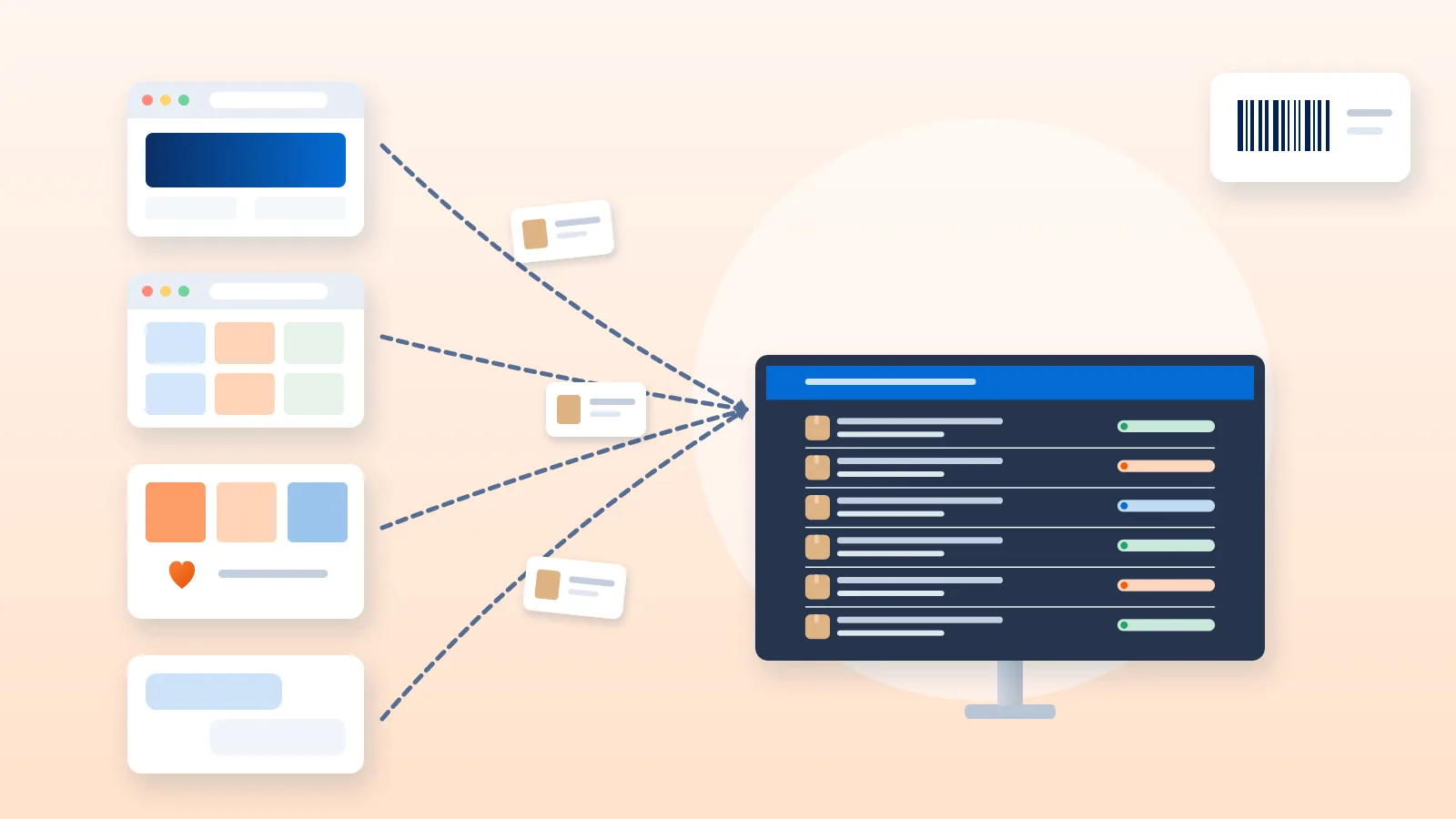
Selling on your own website plus one or two marketplaces and Instagram can grow sales quickly. It also multiplies the places where orders arrive, where stock is counted and where customers expect updates. Multi-channel order management is the set of habits and tools that keep all of that in one controlled flow.
This guide is for Indian sellers who run a Shopify or WooCommerce store alongside marketplaces and social selling. It covers the common problems, how to set up one SKU master, how orders can flow in, which orders must go through a marketplace’s own logistics, and a daily routine you can copy.
The problems that appear when you add channels
Most sellers notice the same issues within weeks of adding a second or third channel.
- Overselling. One unit is shown as available on three channels. Two customers buy it within an hour. You cancel one order and lose a customer. Marketplaces may also track seller cancellations, so check how yours treats them.
- Scattered orders. Orders sit in your store admin, a marketplace seller panel, WhatsApp chats and Instagram DMs. Something gets missed, usually the order that came in late on a busy day.
- Inconsistent SKUs. The same blue cotton kurta in size M is “KUR-BLU-M” on your website, a marketplace-generated code on the marketplace and “blue kurta M” in a spreadsheet. Stock counts never match.
- Different fulfilment rules per channel. Some marketplace orders must be shipped through the marketplace’s own logistics. Others you ship yourself. Your website orders go through the courier or shipping platform you choose. Mix them up and you create rework or policy problems.
- Different update rules. Each channel wants dispatch confirmation, tracking details and return handling in its own way and its own timeframe.
None of these need expensive fixes at the start. They need structure.
Build one SKU master first
A SKU master is a single list of every product variant you sell, with one internal code per variant. Everything else maps to it.
- Create one internal SKU per variant. Use a readable pattern such as category, colour, size:
KUR-BLU-M. Avoid spaces and special characters. - Record the channel-side identifiers. Add columns for each channel’s own product or listing code, so you can match an incoming order to your internal SKU.
- Store packed weight and box size per SKU. Couriers bill on chargeable weight, the higher of actual and volumetric weight. Having these on the master saves guesswork at packing time. See our guide to volumetric weight and shipping charges.
- Keep one “physical stock” number. This is what is actually on your shelves. Channel stock figures are derived from it, not the other way round.
- Name one owner. One person approves new SKUs and changes. Most SKU chaos starts when anyone can add a listing.
Stock buffer rules
If stock does not update instantly across every channel, you need a buffer. A buffer is a small number of units you hold back from what each channel shows.
- Set buffers per SKU, not one number for everything. Fast sellers and items with very low stock need larger buffers.
- Allocate scarce stock deliberately. Example: you have 10 units of a SKU. You might show 6 on your website and 3 on one marketplace, keeping 1 back. These are hypothetical numbers to show the idea, not a recommendation.
- Stock sent to a marketplace’s own warehouse (for example under Fulfilment by Amazon) is no longer in your physical stock. Track it separately.
- Review buffers weekly. Reduce them once your stock updates become faster and more reliable.
How orders can come in: four options
There is no single right setup. Most sellers move through these options as they grow, and many use a mix.
| Option | How it works | Fits when | Watch out for |
|---|---|---|---|
| Native channel dashboards | You process orders inside each store admin and seller panel | One or two channels, low daily orders | Switching between screens; stock updated by hand |
| CSV or Excel exports and imports | You export orders from each channel and upload them into one sheet or tool | Several channels, steady volumes, no budget for software yet | Column mismatches, duplicate uploads, stale stock |
| Integrations or APIs | Channels connect directly to your shipping or order tool and orders flow in automatically | You have a store platform with an available integration | Each integration syncs different fields; check what comes back the other way |
| Order-management or inventory software | A dedicated tool pulls orders and stock from many channels into one view | Many channels and SKUs, frequent oversells, a team processing orders | Setup effort, cost, and the need to keep the SKU mapping accurate |
Whichever route you choose, write down which system is the “source of truth” for stock and which is the source of truth for order status. Confusion between the two causes most multi-channel errors.
Channel-specific fulfilment rules
Before you put all orders into one shipping queue, sort them by who is responsible for delivery.
Amazon
At the time of writing (October 2026), Amazon’s official seller page lists three fulfilment options in India:
- Fulfilment by Amazon (FBA): you send products to an Amazon fulfilment centre, and Amazon stores, packs and delivers them. These orders never enter your packing queue.
- Easy Ship: you store and pack the products, then schedule a pick-up. An Amazon agent delivers to the customer. You pack these orders but you do not book your own courier.
- Self-Ship: you store, pack and deliver using your own delivery staff or a third-party carrier. These are the only Amazon orders you would book with your own courier.
Amazon’s page also says you can use one fulfilment option per product and different options for different products. So the same seller account can have FBA, Easy Ship and Self-Ship orders on the same day. Your routine has to separate them. Our Amazon Self-Ship guide explains the Self-Ship side in more detail.
Other marketplaces
Flipkart, Meesho and other marketplaces have their own fulfilment programmes and seller-side logistics rules, and these change. Depending on the programme, marketplace orders may be picked up by the marketplace’s own logistics rather than a courier you choose. Check the current rules in your seller panel and the marketplace’s official seller help pages before you route any of their orders through your own courier.
Your own store and social orders
Orders from your Shopify or WooCommerce store, and orders you take on Instagram, WhatsApp or by phone, are yours to fulfil. You choose the courier, the packaging and the delivery promise. For setup details see Shopify shipping in India and WooCommerce shipping in India.
Social orders need one extra rule: enter every confirmed order into a proper record (your store admin, a sheet or your shipping tool) before you pack it. An order that lives only in a chat thread is the one that gets missed.
A daily order-processing routine across channels
A fixed routine matters more than any tool. Here is a template you can adapt.
- Set a daily cut-off time. Orders confirmed before the cut-off ship today. Orders after it ship tomorrow. Align the cut-off with your courier pickup slots and with any dispatch deadlines set by each marketplace.
- Pull orders from every channel at the cut-off. Store admin, each seller panel, and the social-order sheet. Do it in the same order every day so nothing is skipped.
- Sort by fulfilment route. Separate marketplace-logistics orders (such as Easy Ship) from orders you ship yourself. Leave FBA orders out entirely.
- Check before you pick. Confirm payment status, address completeness and pincode serviceability. You can check a pincode with our pincode serviceability tool. For COD orders, consider a quick confirmation call or message on high-value items.
- Batch the picking. Print one pick list grouped by SKU, not by order. Picking all units of one SKU at once is faster than walking the shelves once per order.
- Pack by order and weigh. Use the box size and packed weight on your SKU master. If the scale shows something different, update the master.
- Generate labels. Marketplace-logistics orders use the marketplace’s label. Your own orders use your courier’s or shipping platform’s label. Keep the two piles physically apart.
- Manifest and hand over. Create the pickup manifest for each courier and have the pickup person acknowledge the count. Keep a copy.
- Mark orders dispatched on every channel. Do this the same day, before you close.
Sending tracking updates back to each channel
Customers check the channel they bought from, not your shipping tool. Each one handles updates differently.
Shopify
Shopify’s help centre explains that you can add a tracking number while fulfilling an order or after you fulfil it. The tracking number appears in the shipping confirmation and shipping update emails, provided you leave the customer notification option selected. If your courier is not on Shopify’s list, Shopify asks you to enter the full tracking URL so the order status page links to the right place.
For orders you ship yourself, Shopify also lets you mark several orders as fulfilled in bulk from the admin. Tracking numbers are then added to each order. If a shipping tool is connected, it can write the fulfilment and tracking details for you.
WooCommerce
WooCommerce uses order statuses. Its documentation describes Processing as paid and ready to fulfil, and Completed as fulfilled with no further action needed. A common practice is to move an order to Completed once it is dispatched.
WooCommerce also has two kinds of order note. A private note is for staff and is not visible to the customer. A note to the customer is emailed to the buyer and appears in their My Account order details. Adding the courier name, AWB number and tracking link as a customer note is a simple way to keep buyers informed.
Marketplaces
For Self-Ship marketplace orders, enter the courier and tracking details in the seller panel as the marketplace requires, and within its timeframe. For orders handled by marketplace logistics, tracking is updated by the marketplace.
Social orders
Send the tracking link by the same channel the customer used to order. You can share a link to our tracking page or your courier’s own page.
Handling returns across channels
Returns follow the channel’s rules, so keep them channel-specific.
- Marketplace returns follow the marketplace’s return policy and, often, its own reverse logistics. Process them in the seller panel.
- Store and social returns follow your own published return policy. You arrange the reverse pickup or ask the customer to send the item back.
- Undelivered parcels (RTO) are different from customer returns. They come back because delivery failed. Track them separately; our NDR and RTO guide covers how to reduce them.
Whatever the source, inspect every returned item and decide quickly: back to sellable stock, refurbish, or write off. Update the SKU master’s physical stock the same day. Returned stock that sits in a corner unrecorded is a common cause of “phantom” stock-outs.
Metrics to watch
You do not need a complex dashboard. Track a few measures per channel, weekly.
- Oversell or cancellation rate: orders you had to cancel because stock was not available. This tells you if your buffers and stock updates work.
- Dispatch on time: the share of orders handed to the courier or marketplace within your promised or required timeframe.
- Order-to-dispatch time: how long an order waits between being placed and leaving your premises.
- Return rate by channel and SKU: where returns concentrate, so you can fix listings, sizing or packaging.
- RTO rate: parcels that came back undelivered, ideally split by payment mode and region.
- Shipping cost per order: what you actually paid the courier, including any weight corrections. Our guide to reducing shipping costs has ideas if this climbs.
- Stock accuracy: how closely your recorded stock matches a physical count of a sample of SKUs.
Where Courier Tales fits
Courier Tales is a shipping platform for Indian online sellers. It handles the shipping side of a multichannel business: bringing orders in, booking couriers, labels and tracking.
- Shopify orders import as they are placed. The AWB and tracking link are written back to Shopify as a fulfilment.
- WooCommerce connects with a REST API key. Orders can be fetched manually or imported automatically about every 15 minutes, and the AWB, courier, tracking entry and a customer note are written back to the order.
- Other channels, including social orders and marketplace Self-Ship orders, can be added by CSV or Excel bulk upload.
- Amazon marketplace orders are not imported automatically. Amazon Shipping is available only as a courier option for orders you book.
Once orders are in, you can compare serviceable couriers with estimated charges per order, book singly or in bulk, print labels and create pickup manifests. Shipping is within India only.
To see indicative charges before you start, try the shipping rate calculator, or create a Courier Tales account to bring your store and uploaded orders into one shipping queue.
Frequently asked questions
Can I ship my Amazon orders with my own courier?
Only for products you have set to Self-Ship on Amazon. Products set to Easy Ship are delivered by Amazon, and FBA products are stored, packed and delivered by Amazon, so you do not book a courier for them.
What is a stock buffer?
A stock buffer is a few units you hold back from what you show as available on a channel. It gives you a margin while stock counts update across channels, so you are less likely to sell the same last unit twice.
Do I need order-management software to sell on several channels?
Not always. With a few channels and modest volumes, channel dashboards plus a clean SKU sheet and a fixed daily routine can work. Software becomes more useful as channels, SKUs and order volumes grow, or when manual stock updates start causing oversells.
How do customers on each channel get their tracking details?
Each channel has its own route. On Shopify you add the tracking number to the fulfilment, on WooCommerce you can send a note to the customer, and on marketplaces you update the order in the seller panel as the marketplace requires.
Sources
- Shipping and Fulfillment, Amazon Seller Services (sell.amazon.in) (accessed 19 October 2026)
- Bulk fulfilling orders, Shopify Help Center (accessed 19 October 2026)
- Adding tracking numbers to orders, Shopify Help Center (accessed 19 October 2026)
- Order statuses, WooCommerce documentation (accessed 19 October 2026)
- View, edit or add an order, WooCommerce documentation (accessed 19 October 2026)
Courier, marketplace and tax rules change. Check the current terms with your courier, marketplace or adviser before relying on them.