
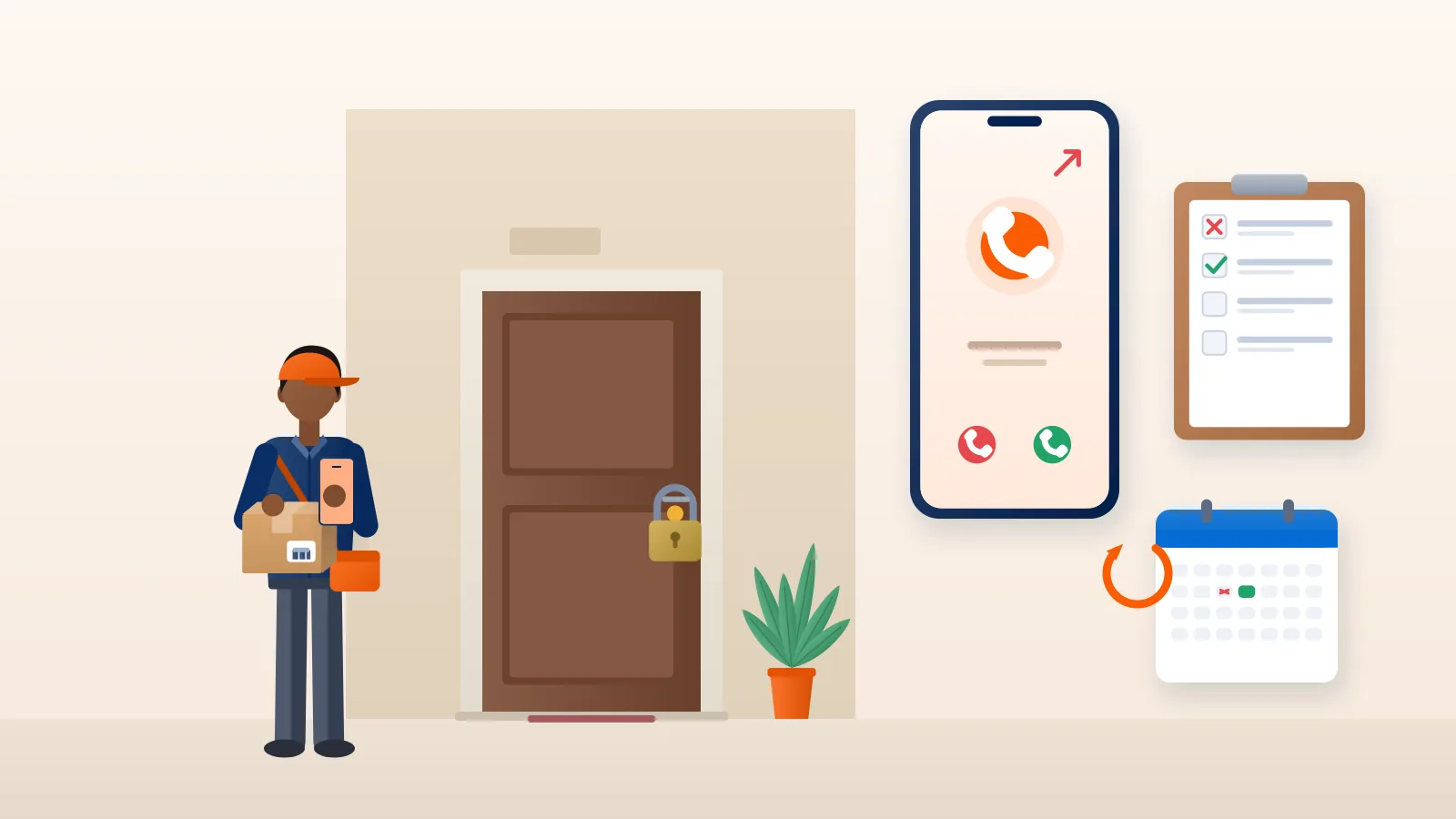
A non-delivery report is a second chance. The parcel is still with the courier, the buyer usually still wants it, and a quick, accurate response often turns it into a delivered order. The problem is that NDRs arrive scattered across the day, each with a terse reason code, and handling them well takes a routine rather than good intentions.
This guide sets out an NDR management workflow you can hand to a team member: how to triage NDRs, what to say to buyers, when to reattempt or return, how to escalate, and how to write it all down as a standard operating procedure (SOP). For what NDR and RTO mean and why deliveries fail, see our guide to NDR and RTO in ecommerce.
The NDR workflow at a glance
- Collect new NDRs at fixed times each day.
- Triage each one by reason and attempts left.
- Contact the buyer with the right script.
- Act: reattempt with better details, reschedule, or return.
- Escalate the cases that do not fit the normal path.
- Log the outcome for your weekly review.
The rest of this guide takes each step in turn.
Step 1: Collect NDRs on a fixed schedule
Set two or three fixed check times, for example 10 am, 2 pm and 6 pm. Morning picks up yesterday evening’s failed attempts; afternoon catches the morning round. Do not rely on noticing NDRs when you happen to open the dashboard.
Give one person ownership for each day. In a two-person business, one packs and the other handles NDRs and buyer messages.
Step 2: Triage by reason and attempts left
Couriers limit attempts. At the time of writing, Delhivery’s help centre says forward shipments can be reattempted up to three times before moving to RTO, and Amazon Shipping India lists three delivery attempts before the RTO process starts. Check each courier’s current terms, and always note how many attempts remain.
Sort the day’s NDRs into this table. The first action column is what your team member does without asking anyone.
| NDR reason | First action | If no response |
|---|---|---|
| Customer not available | Message and call for a specific time; request reattempt | Request reattempt anyway |
| Phone unreachable or switched off | Message on WhatsApp; try an alternate number from the order | Reattempt once; escalate if it fails again |
| Address incomplete or wrong | Ask for house number, landmark and pincode; update details | Hold for your fixed window, then request return |
| Customer refused | Ask why, politely; offer help if it is a doubt about the product | Request early return |
| COD amount not ready | Agree a time when cash is ready; offer a payment link | Reattempt on the agreed day |
| Premises closed or entry refused | Ask for a time or an alternate address within the pincode | Reattempt; escalate if repeated |
| Buyer asked for a later date | Confirm the date and reschedule | Reattempt on that date |
Put the cases with only one attempt left at the top of the list.
Step 3: Contact the buyer with ready scripts
Short, friendly messages from your own business number get more replies than anything automated. Keep a few templates and fill in the details.
Not available: “Hi Rohit, this is Kavya from Saanjh Home. Our courier tried to deliver your bedsheet set today but could not reach you. When should we send it again? Please share a time and the right number to call.”
Address problem: “Hi Rohit, the courier could not find your address. Please reply with your house or flat number and a nearby landmark so we can deliver tomorrow.”
COD not ready: “Hi Rohit, the courier came with your order today. Would you like a delivery tomorrow, or pay ₹1,299 now by UPI using this link so the courier just hands it over?”
Refused: “Hi Rohit, we see the parcel was declined. Was something wrong with the order? We are happy to help before it is sent back.”
Always include the product, the business name and one clear question. Never ask a buyer to share an OTP or payment PIN.
Step 4: Act: reattempt, update or return
Once you hear back, act through your courier or shipping platform the same day.
- Reattempt with better information. A specific time window and a working phone number matter more than anything else.
- Update details within the courier’s limits. Couriers set rules on what can change. Delhivery’s help centre, for example, says an updated consignee address must stay within the same pincode. A buyer who has moved to another city usually needs a return and a new shipment.
- Return early when the answer is clearly no. A buyer who says they do not want the order will not change their mind on the third attempt. Requesting the return straight away saves days of blocked stock. If you want to cut the number of these refusals in the first place, see our RTO reduction playbook.
Want every failed attempt in front of your team? On Courier Tales, failed delivery attempts are listed in your dashboard for action, and RTO shipments stay visible until they reach your pickup address.
Step 5: Escalate the cases that do not fit
Some NDRs need more than a reattempt request. Escalate when:
- the buyer says nobody came, but the attempt is marked as failed;
- the same reason repeats on consecutive attempts despite correct details;
- the tracking has not moved for longer than usual after a reattempt request;
- the parcel is high value or the buyer is a repeat customer you cannot afford to lose.
When you escalate, give the AWB number, the attempt dates, what the buyer told you and what you want to happen. Our guide on tracking a courier by AWB explains how to read the scan history before you raise it.
Set a limit on escalations too. If a case is still unresolved after one escalation and the last attempt is close, decide on reattempt or return yourself.
Step 6: Log every NDR outcome
A simple log turns daily firefighting into weekly learning. One row per NDR is enough:
| Column | Example |
|---|---|
| AWB | (courier AWB number) |
| Order ID and payment mode | #4821, COD |
| Pincode and courier | 452010, courier name |
| NDR reason as recorded | Customer not available |
| Attempt number | 1 of 3 |
| Buyer contacted (time, channel) | 10:20, WhatsApp |
| Action taken | Reattempt for next day, 4–6 pm |
| Final outcome | Delivered / RTO / Cancelled |
At the weekly review, look at the reasons that turned into RTO most often, the pincodes that keep appearing, and how many NDRs were actioned the same day.
Writing your NDR SOP
Put the workflow on one page so anyone can follow it on a busy day. Include:
- Owner and backup for each day of the week.
- Check times, and a same-day action target.
- The triage table above, adapted to your products.
- Message templates in the languages your buyers use.
- Limits: how long to hold for a reply, when to request a return, how many escalations per case.
- Escalation contacts and what to include in a ticket.
- The log and who reviews it.
Revisit the SOP after festive peaks, when NDR volumes and reasons often change.
Three metrics that tell you if it works
- NDR rate: shipments with at least one NDR ÷ shipments dispatched. Falls when your address checks and confirmations improve.
- Same-day action rate: NDRs actioned on the day they appear ÷ all NDRs. Shows team discipline.
- NDR-to-delivery rate: NDR shipments that end up delivered ÷ all NDR shipments. Shows how well you rescue orders.
Good delivery recovery also shapes how buyers feel about you. Our guide on delivery experience and customer retention explains why.
Handling NDRs with Courier Tales
Courier Tales lists failed delivery attempts for action and keeps RTO shipments visible until they reach your pickup address. Buyers can follow progress through a tracking link you share, built from the courier’s status updates. If a case needs help, raise a support ticket on that shipment from the dashboard, or contact team@couriertales.com.
An NDR handled well is a sale saved and a buyer who remembers you sorted it out. Create your Courier Tales account and put every failed attempt where your team can act on it.
Frequently asked questions
Who should handle NDRs in a small team?
Give one person clear ownership each day, even if others help. When everyone is responsible, NDRs sit untouched until the next attempt has already failed. In a one-person business, block a fixed time each morning and afternoon for it.
What should I do if the buyer does not answer about an NDR?
Try two channels, such as a WhatsApp message and a call, at different times of day. If there is still no reply before the next attempt, request the reattempt anyway with the details you have. If several attempts fail with no contact, consider asking for an early return.
Can I change the delivery address after an NDR?
Often, but within limits set by the courier. For example, Delhivery's help centre says an updated address must stay within the same pincode. A move to a different city usually means a return and a fresh shipment.
What NDR metrics should I track?
Start with three: NDR rate (shipments with at least one NDR divided by shipments dispatched), same-day action rate, and the share of NDR shipments that end up delivered. Together they show how many problems you have and how well you handle them.
Is a fake delivery attempt a real problem?
Buyers sometimes say nobody came when an attempt was marked as failed. Ask the buyer for details, check the attempt time in the tracking history, and raise it with the courier or your shipping platform with the AWB number if the record does not match.
Sources
- Non-Delivery Report (NDR), Delhivery One Help Center (accessed 2 November 2026)
- Shipment Exceptions, Delhivery One Help Center (accessed 2 November 2026)
- Small and medium delivery, Amazon Shipping India (accessed 2 November 2026)
Courier, marketplace and tax rules change. Check the current terms with your courier, marketplace or adviser before relying on them.