
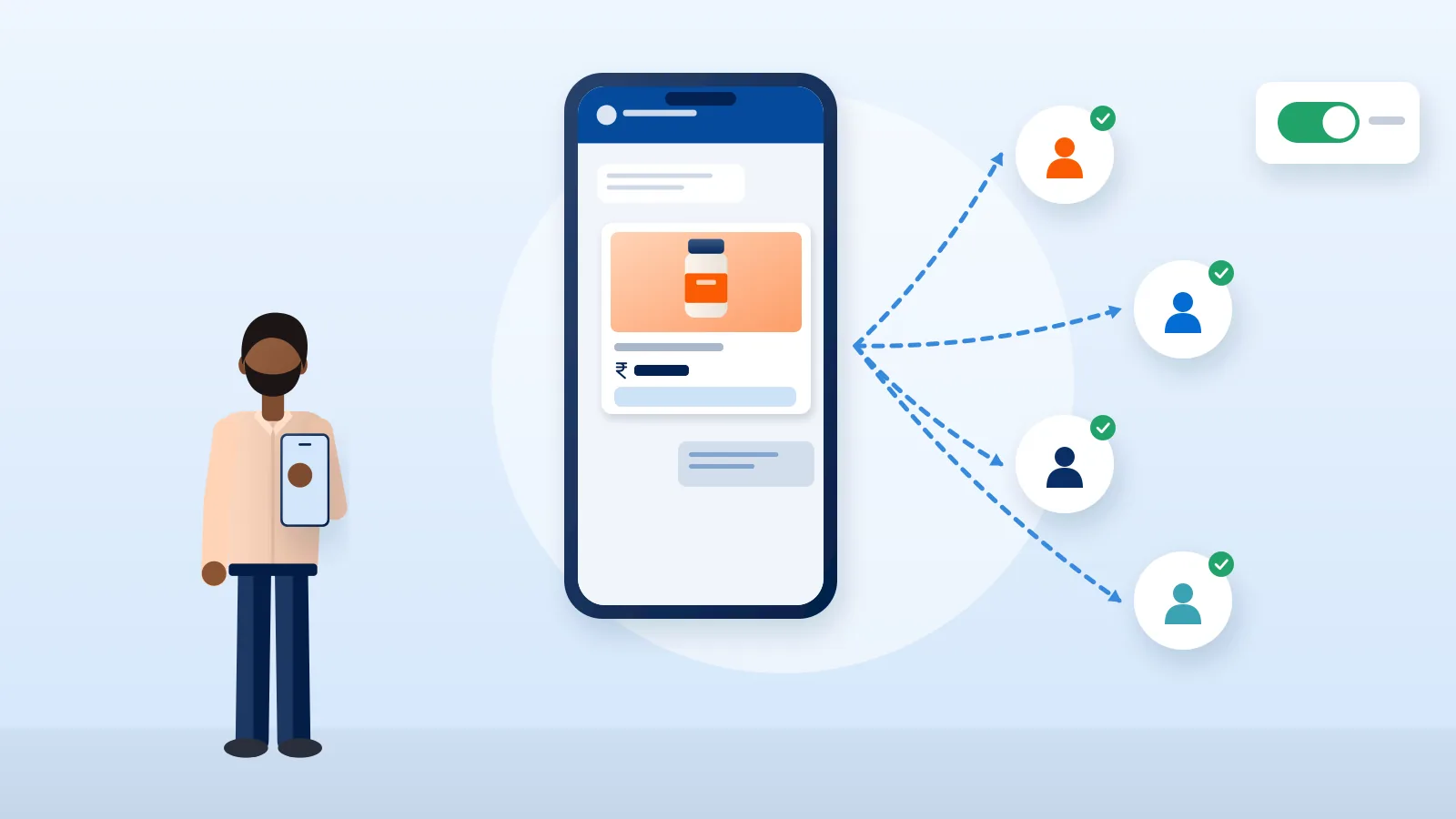
For many Indian buyers, WhatsApp is where shopping conversations already happen. They ask about sizes, send screenshots of products, share their address and want to know where their parcel is, all on WhatsApp. For an online seller that is an opportunity and a risk. Used well, it brings orders, confirms COD and reduces failed deliveries. Used carelessly, it gets your number blocked and reported.
This guide explains the two ways to use WhatsApp for business, how catalogues and broadcasts work, the opt-in rules you must follow, and the messages that genuinely help buyers. The rules and prices here come from WhatsApp’s and Meta’s official documentation, which changes often; check the linked pages before you rely on any detail.
WhatsApp Business app vs WhatsApp Business Platform
There are two separate products, and choosing the wrong one causes a lot of frustration.
| WhatsApp Business app | WhatsApp Business Platform (API) | |
|---|---|---|
| What it is | A phone app for businesses, separate from personal WhatsApp | An interface that connects WhatsApp to your software, used directly through Meta’s Cloud API or through a solution provider |
| Who replies | You or a small team, by hand | Several agents, a CRM, chatbots or automated systems |
| Starting a conversation | You can message contacts directly, within WhatsApp’s policies | Business-initiated messages outside the customer service window must use pre-approved message templates |
| Pricing | Check WhatsApp’s business site for current terms | Meta charges per delivered message, by category and country |
| Good fit | Starting out, low to moderate chat volume | Higher volume, automated order updates, multiple staff |
When the app is enough
A home baker in Pune or a saree seller in Surat handling a few dozen chats a day can run everything on the Business app: a business profile with address and hours, a catalogue, quick replies for common questions, labels to sort chats (new order, paid, shipped), and greeting and away messages.
When to move to the platform
Consider the WhatsApp Business Platform when:
- Several people need to answer chats at once
- You want order confirmations and shipping updates sent automatically from your store
- Your chat volume is too high to manage on one phone
- You need records of conversations in your CRM
Moving to the platform usually means working with a developer or a Business Solution Provider, verifying your business with Meta, and getting message templates approved.
Opt-in: the rule you cannot skip
WhatsApp’s Business Messaging Policy says you may contact people on WhatsApp only if they have given you their mobile number and you have received opt-in permission confirming they want to receive messages from you.
Meta’s developer documentation adds what the opt-in must make clear:
- That the person is opting in to receive messages from your business
- Your business’s name
The policy also says you must respect every request to block, stop or opt out of your messages, whether the person asks on WhatsApp or elsewhere. Meta recommends giving clear instructions for opting out of specific kinds of messages.
Practical ways to collect opt-in
- A checkbox at checkout that is not pre-ticked: “Send me order updates and offers from [Brand] on WhatsApp.”
- Separate choices for order updates and for promotions, so buyers who want only delivery news are not sent offers.
- A click-to-chat link or QR code on your Instagram bio, packaging insert or website, where the buyer starts the chat.
- A clear first message confirming what they will receive and how to stop.
Keep a record of when and how each person opted in.
Catalogues: your shop inside the chat
The WhatsApp Business app lets you build a catalogue of products. Each item has a title, and you can add a price, description, link and product code, then group items into collections such as “Diwali gifts” or “Under ₹999”.
Tips for sellers:
- Use the same product names and photos as your website or marketplace listing, so buyers recognise them.
- Keep stock in sync. Remove items that are sold out rather than apologising in chat.
- Share single items or a whole collection in a chat instead of typing descriptions again.
- Put delivery time and return policy in the item description or a pinned message.
Broadcasts: reach many buyers, carefully
In the Business app, a broadcast list sends one message to many contacts, and each person receives it as an individual chat. WhatsApp’s help centre notes an important limit: only people who have saved your number in their phone’s contacts receive your broadcast. If buyers say they never get your updates, this is usually why.
Good broadcast habits:
- Send only to people who opted in, and only content they asked for.
- Send less often than you think: new collections, restocks, festive order deadlines.
- Make every message useful on its own: product, price, how to order, last date for delivery before the festival.
- Watch for blocks and complaints. WhatsApp’s policy says its systems may limit how many messages a business can send based on users blocking or reporting it.
On the Business Platform, marketing messages are sent as approved marketing templates and are charged per delivered message.
Pricing on the Business Platform, in brief
According to Meta’s pricing documentation at the time of writing:
- Since 1 July 2025, Meta charges per delivered message from a business to a user, rather than per conversation.
- The rate depends on the message category (marketing, utility, authentication, service and others) and the recipient’s country code.
- Messages users send to you are not charged.
- When a buyer messages you, a 24-hour customer service window opens, and resets each time they message again. Within it you can reply without a template.
- From 1 October 2026, service messages are charged again beyond a monthly allowance of 1,000 per business phone number.
Rates and rules change, so check Meta’s pricing page or ask your provider before you budget a campaign.
Messages that help buyers (and your delivery rate)
The most valuable WhatsApp messages for an online seller are often operational, not promotional.
COD confirmation
A short message after a COD order asking the buyer to confirm the order and address cuts down orders that are refused at the door. Our guide to converting COD orders to prepaid covers the offer side, and reducing RTO covers the operations side.
Dispatch and tracking
Send the AWB and tracking link the day the parcel ships. Buyers who can see progress are less likely to refuse, and you get fewer “where is my order?” chats. Buyers can also check status on our tracking page.
Failed delivery follow-up
When a courier reports a failed attempt, message the buyer the same day to fix the address, phone number or time and arrange a reattempt.
After delivery
A thank-you, care instructions and a review request a few days later. Reorder reminders work well for consumables. See our guide to winning repeat customers.
Send buyers a tracking link they can trust. Courier Tales builds one tracking timeline from courier status updates and gives you a link to share in your WhatsApp order messages.
Mistakes that get numbers blocked
- Adding people to groups or broadcast lists without asking
- Sending promotions to buyers who only agreed to order updates
- Sending several messages a day
- Using unofficial bulk-sending tools that are not part of WhatsApp’s business products
- Ignoring “stop” requests
Final thoughts
WhatsApp works for online sellers when it feels like a helpful conversation rather than a loudspeaker. Start with the Business app, collect clear opt-in, use the catalogue and broadcasts sparingly, and put most of your effort into confirmations and delivery updates that buyers actually want. Move to the platform when volume and automation justify it.
Behind every good order update is a shipment you can track. Create your Courier Tales account to book shipments, follow failed deliveries and share tracking links with every buyer.
Frequently asked questions
Can I send WhatsApp marketing messages to anyone whose number I have?
No. WhatsApp's Business Messaging Policy says you may contact people only if they have given you their number and you have their opt-in permission to receive messages from you. A number taken from an order form for delivery is not, by itself, permission to send promotions.
What is the difference between the WhatsApp Business app and the API?
The Business app runs on a phone and suits small teams that reply to chats by hand. The WhatsApp Business Platform (often called the API) connects WhatsApp to your systems, allows several agents and automation, and charges per delivered template message. Most small sellers start with the app and move to the platform when volume grows.
Why are some customers not receiving my broadcast messages?
WhatsApp's help centre explains that only people who have saved your number in their phone's contacts receive broadcast-list messages. Ask buyers to save your business number, for example in your order confirmation.
Do I pay for WhatsApp messages on the Business Platform?
Meta charges per delivered message on the platform, with the rate depending on the message category and the recipient's country. Messages that users send to you are not charged. Pricing changes from time to time, so check Meta's official pricing page before you plan a campaign.
Sources
- Get opt-in for WhatsApp, Meta for Developers (accessed 2 November 2026)
- Pricing on the WhatsApp Business Platform, Meta for Developers (accessed 2 November 2026)
- WhatsApp Business Messaging Policy, WhatsApp (accessed 2 November 2026)
- How to use broadcast lists, WhatsApp Help Center (accessed 2 November 2026)
Courier, marketplace and tax rules change. Check the current terms with your courier, marketplace or adviser before relying on them.