
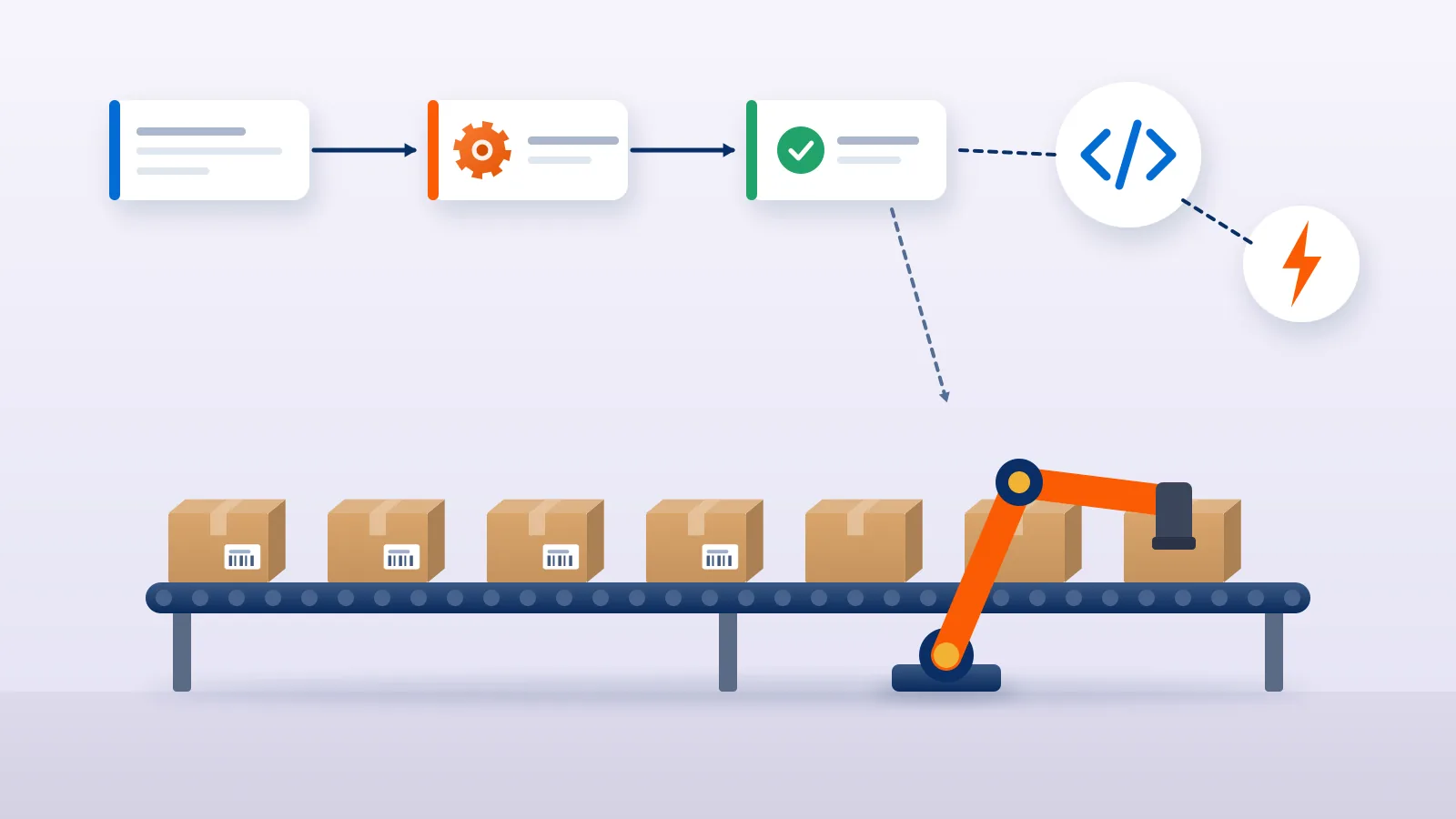
Shipping work grows in a straight line with orders: each new order means another address to check, another courier to pick, another label to print and another tracking page to watch. Automation breaks that link. The aim is not to remove people from shipping, but to stop them doing the same clicks hundreds of times a day, so their time goes to the orders that actually need attention.
This guide shows how to automate e-commerce shipping in stages, from connecting your store to using an API and webhooks. Each stage builds on the one before, and most sellers get the largest gains from the first two, without writing any code.
The four stages of shipping automation
| Stage | What is automated | Who sets it up | Typical trigger to move on |
|---|---|---|---|
| 1. Order import | Orders reach the shipping tool without typing | You, in the dashboard | Typing or copying orders takes real time each day |
| 2. Bulk actions | Booking, labels and manifests in batches | You, in the dashboard | Booking one order at a time slows dispatch |
| 3. Rules | Courier choice, box sizes and holds follow written rules | You, plus a short rule document | Different people make different choices |
| 4. API and webhooks | Your own systems create, book and track shipments | A developer | Orders live in an ERP, OMS or custom site |
Stage 1: Get orders in automatically
Typing orders by hand is slow and error-prone. A missing digit in a phone number becomes a failed delivery a week later.
- Store integrations. Connect your Shopify or WooCommerce store so orders import automatically, and so the AWB and tracking go back to the store once you book. On Shopify, a tracking number added to a fulfilment appears in the shipping confirmation and shipping update emails sent to the buyer, where the buyer’s email is available (Shopify Help Center). See our pages on Shopify shipping and WooCommerce shipping.
- One upload template for every other channel. Orders from WhatsApp, Instagram, wholesale buyers and marketplaces you ship yourself can be uploaded in bulk from CSV or Excel. Keep one template with fixed columns, so the file is ready to upload without editing.
- Amazon self-ship. Amazon orders are not imported automatically into Courier Tales. Self-ship sellers upload them and book with an integrated courier that meets Amazon’s self-ship requirements; our Amazon self-ship guide explains the steps.
Before you automate import, fix the data at source. Store each product’s packed weight and box dimensions in your store, so every imported order carries real numbers. Automation copies mistakes as quickly as it copies correct data.
Stage 2: Book, print and hand over in batches
Once orders arrive on their own, stop handling them one at a time.
- Bulk booking. Select the day’s ready orders and book them together. Orders with a problem, such as an unserviceable pincode or a missing phone number, should drop into a separate list rather than block the batch.
- Batch labels. Print all labels for a batch in one run. On Courier Tales, labels print on A4 or Letter paper, one or four per page, with your logo.
- Manifests. Print a pickup manifest per courier and count parcels against it at handover.
For a full daily routine built on these steps, see how to manage 500 to 1,000 shipments a day.
Stage 3: Write the rules down, then let the system apply them
Most shipping decisions repeat. Write them down once:
- Courier choice. Set a courier priority for your account. The first suitable courier on your list is used, and you change it only for exceptions.
- Mode. Surface by default; air only for specific zones, weights or paid express orders.
- Holds. Which orders a person must check before booking: COD above a set value, first-time buyers with incomplete addresses, pincodes with high return rates.
- Packaging. A fixed box for each product or common combination, with stored weight and size.
Some rules live in your shipping platform’s settings, some in your store and some in a one-page document your team follows. What matters is that the same order gets the same treatment whoever handles it.
Ready to stop booking orders one by one? Courier Tales imports Shopify and WooCommerce orders automatically, takes bulk uploads from any channel, and lets you set a courier priority and book many orders at once.
Stage 4: Connect your own systems through an API
If your orders live in an ERP, an order management system or a custom website, an API lets that system work with the shipping platform directly. Here is how the Courier Tales API documentation describes what is available today.
What the API can do
- Keys with permissions. The account owner creates API keys in the seller panel, each with chosen permissions (scopes) and an optional IP allowlist. A key can be revoked at once.
- Test mode. Test keys use simulated couriers: nothing is booked or charged, and labels are sample PDFs. You can move a test shipment through statuses such as picked up, in transit, delivered or a failed attempt, and receive the matching webhook.
- Orders, quotes and booking. Create an order, get courier options at your own rates, then book with a chosen courier or with
"auto", which follows your Courier Priority. Booking requires an Idempotency-Key header, so a retried request returns the original answer instead of creating a second shipment. - Labels and cancellation. Download the label PDF, and cancel a shipment that has not yet been picked up.
- Failed deliveries. Request a reattempt, a new address or phone number, or a return to origin.
- Reverse pickups, B2B and international shipments, through the same style of endpoints.
- Order import from your endpoint. As an alternative to pushing orders, the Custom API channel lets Courier Tales fetch ready-to-ship orders from an HTTPS endpoint you host. Imported orders arrive as Not Booked; importing never books or charges anything.
The documentation also lists what is planned and not yet in the API: weight disputes, booking many orders in one request, and manifests. Those are handled in the seller panel today, so plan your integration around that.
Webhooks: let status changes come to you
Polling tracking pages, or the API, for every shipment wastes effort. Webhooks reverse the direction. You register an HTTPS address in the panel, and Courier Tales sends a signed message to it for each status change, such as booked, picked up, in transit, out for delivery, delivered, failed attempt, RTO or cancelled. Per the documentation:
- each message is signed, and your server should verify the signature before trusting it;
- failed deliveries to your endpoint are retried several times over about two days;
- the same event can arrive more than once, and events can arrive out of order, so process each event ID once and use the shipment’s update time, or fetch the shipment, for the current state.
Typical uses: mark the order as shipped in your ERP when the shipment is booked, send your own buyer message when it is out for delivery, and open a task for your team when a delivery attempt fails.
Decide what not to automate
Automation should move routine work off people’s desks, not hide decisions they ought to make.
Keep these with a person:
- Holding or cancelling suspicious COD orders.
- Talking to buyers after a failed delivery. Our NDR management guide sets out a workflow.
- Responding to weight discrepancies. On Courier Tales you have 48 hours to respond with evidence, so make sure an alert reaches someone.
- Reviewing courier performance and changing the priority.
A rollout checklist
- List every place orders come from today, and how they reach shipping.
- Fix product weights and box sizes in your store.
- Connect your store; create one upload template for everything else.
- Switch to bulk booking and batch label printing.
- Write your courier, mode, hold and packaging rules on one page.
- If you need an API, build against test mode first, including webhooks and retries.
- Move to live keys for a small share of orders, then the rest.
- Review monthly: what is still done by hand, and should it be?
Final thoughts
Automating shipping works well when you go in order: get orders in without typing, act on them in batches, put repeat decisions into rules, and only then connect your own systems through an API and webhooks. At every stage, keep the judgement calls with your team and make sure the system brings those calls to them quickly.
Create your Courier Tales account to import orders, book in bulk and, when you are ready, connect your own systems through the API.
Frequently asked questions
Do I need a developer to automate my shipping?
Not for the first stages. Connecting a Shopify or WooCommerce store, uploading other orders from one spreadsheet template, setting a courier priority and booking in bulk are all done in the dashboard. You need a developer only when you want your own ERP, OMS or website to talk to the shipping platform through an API.
What is a shipping webhook?
A webhook is a message the shipping platform sends to a web address you control whenever something changes, such as a shipment being picked up, delivered or failing a delivery attempt. Your system can then update the order or alert your team without anyone checking tracking pages.
Can I test a shipping API without booking real shipments?
Many platforms offer a test or sandbox mode. On Courier Tales, test-mode API keys use simulated couriers, so nothing is booked or charged, and you can move a test shipment through statuses to check how your system handles each webhook.
Are Amazon orders imported automatically into Courier Tales?
No. Amazon self-ship sellers upload their orders and book them with an integrated courier that meets Amazon's self-ship requirements. Shopify and WooCommerce orders import automatically.
What should stay manual after I automate shipping?
Judgement calls: holding a suspicious COD order, answering a buyer about a failed delivery, deciding whether to contest a weight discrepancy and reviewing courier performance. Automation should bring these to a person's attention quickly, not decide them silently.
Sources
- API documentation, Courier Tales (accessed 2 November 2026)
- Adding tracking numbers, Shopify Help Center (accessed 2 November 2026)
Courier, marketplace and tax rules change. Check the current terms with your courier, marketplace or adviser before relying on them.