
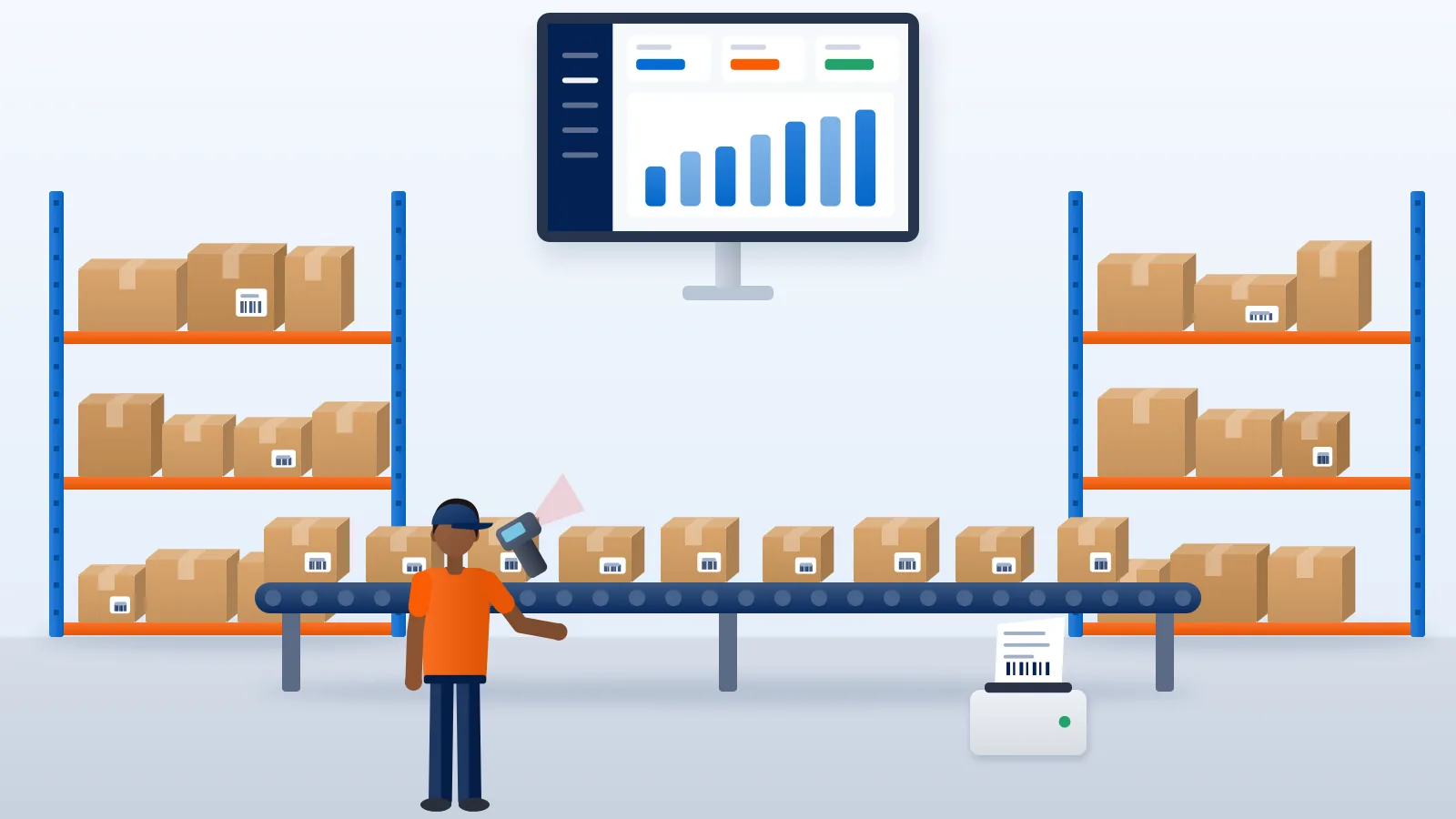
Somewhere between 300 and 500 orders a day, the way most sellers ship stops working. The process that was fine at fifty orders, with someone typing addresses, choosing a courier for each parcel and printing labels one by one, now takes all day and still leaves parcels behind. The instinct is to hire. Often the better first move is to change how the work flows.
This guide is for sellers who want to manage high volume shipments, 500 to 1,000 a day, with roughly the team they already have. It covers where the time goes, how to organise the day, and what to stop doing by hand. For the broader picture of growing from ten orders to a thousand, including team and cash, see our guide on scaling an online business.
Find where the minutes go
Start with a time audit. For one normal day, have each person note roughly how long they spend on each task. Then divide by the number of orders shipped. The numbers below are an illustration of what a stretched team might find, not a benchmark.
| Task per order | Manual process (illustration) | After changes (illustration) |
|---|---|---|
| Entering or checking the order | 2 minutes | Seconds (automatic import) |
| Choosing a courier | 1 minute | None (priority rules) |
| Booking and printing the label | 1 minute | Seconds (bulk booking, batch print) |
| Picking and packing | 3 minutes | 2 minutes (standard boxes, batch picking) |
| Handover and manifest | 30 seconds | 15 seconds (pre-sorted crates) |
| Chasing problems | Unmeasured | Only flagged exceptions |
Multiply any per-order minute by 700 orders and it becomes nearly twelve hours of work. That is why small savings per order matter so much at this volume.
Build a daily rhythm
High-volume dispatch runs on a timetable, not on whoever happens to be available.
- Morning import. All overnight orders come in from every channel.
- Hold checks. Flag orders that need a decision: suspicious COD orders, incomplete addresses, out-of-stock items.
- Bulk booking, wave one. Book everything that passed the checks and print labels in one batch.
- Pick and pack wave one. Packers work through the batch, sorted by product.
- Midday import and wave two. Repeat for orders that arrived in the morning.
- Cut-off. Orders after a fixed time go into the next day’s first wave.
- Handover. Parcels are sorted by courier, counted against each manifest, and handed over.
- Exception review. The last hour goes to failed deliveries, stuck parcels and disputes.
Waves keep packers busy all day instead of idle in the morning and overloaded at 5 pm.
Stop typing orders
At this volume, every order should arrive in your shipping tool without anyone typing it.
- Store integrations. Connect Shopify or WooCommerce so orders import automatically and the AWB and tracking go back to the store.
- One spreadsheet template for everything else. Marketplace self-ship orders, WhatsApp and Instagram orders and wholesale orders can all be uploaded in bulk from a CSV or Excel file. Use one template, with fixed column names, so nobody reformats files each morning. Amazon self-ship sellers usually work this way; see our Amazon self-ship guide.
- An API for custom systems. If your orders live in an ERP or your own panel, a developer can connect it directly.
Our guide to multichannel order management covers keeping several channels in one queue, and how to automate e-commerce shipping goes further into rules and integrations.
Book in bulk with courier rules
Choosing a courier per order does not scale. Decide the logic once:
- Set a courier priority for your account, so the first suitable courier in your order is used.
- Override it only for clear cases: a zone where another courier performs better, heavy parcels, or high-value orders.
- Review the priority monthly against delivery times, failed attempts and cost per delivered order.
Then select the day’s ready orders and book them together. Problems with a few orders (an unserviceable pincode, a missing phone number) should be set aside for the exception queue, not hold up the whole batch.
Shipping hundreds of orders a day? With Courier Tales you can import store orders automatically, upload other channels in bulk, set a courier priority and book many orders at once.
Design the packing station for speed and accuracy
Packing is the one step you cannot remove, so make it efficient.
Standard boxes for each product
Map every SKU, and common combinations of SKUs, to a box size. Weigh and measure each packed combination once, and store the weight and dimensions with the product. Booking then uses known numbers instead of guesses. This also cuts weight disputes, because the declared figures match what the courier measures. Our guide to courier weight disputes explains what happens when they do not.
Batch picking
Pick by product, not by order. If 140 orders today include the same cotton kurta in size M, one person picks 140 of them at once. Sort into orders at the packing table.
Labels in batches
Print labels in one run per wave, sorted in the same order as the pick list. Choose a format that suits your printer: Courier Tales prints labels on A4 or Letter paper, one or four per page, with your logo. Test the format before your peak season, not during it.
Courier crates
Place one crate or marked area per courier at the end of the packing line. A packed parcel goes straight into its courier’s crate. At handover, each crate is counted against its pickup manifest.
Manage by exception
At 800 shipments a day, nobody can look at every tracking page. Nor should they. Build the day around lists of shipments that need action:
- Failed delivery attempts (NDR). Act on each one the same day: call or message the buyer, then request a reattempt or mark it for return.
- Stuck shipments. Parcels with no new tracking event for longer than normal on their lane.
- Weight discrepancies. On Courier Tales these appear in the dashboard, and you have 48 hours to respond with evidence, so check them daily.
- RTOs on the way back. Know what is returning, so stock and refunds are ready.
- Support tickets. Raise issues against the specific shipment, so the history stays with the AWB.
Give each list an owner. One trained person working through exceptions can cover a large daily volume if the lists are accurate.
Reconcile money weekly, not monthly
High volume means high value in transit, especially on COD. Reconcile every week:
- COD collected by couriers against COD remitted to you, order by order.
- Wallet deductions against shipments booked, plus any later adjustments.
- RTO charges against the parcels actually returned.
A small mismatch on a thousand orders a day becomes a large one by month end. Our COD reconciliation guide includes a sheet you can use.
Roles for a lean team
Volume grows faster than headcount when roles are clear. A typical split:
| Role | Owns |
|---|---|
| Order desk | Imports, hold checks, bulk booking, label printing |
| Pick and pack | Waves, standard boxes, courier crates |
| Dispatch lead | Cut-offs, handover counts, courier pickup issues |
| Exceptions | NDR, stuck parcels, disputes, tickets, buyer messages |
| Accounts | Weekly COD and wallet reconciliation |
In a small team one person may hold two roles. What matters is that every list has a named owner.
The daily numbers to watch
- Orders received, booked and handed over today.
- Orders not dispatched by cut-off, and why.
- Failed delivery attempts raised and actioned.
- Shipments on the stuck list.
- Open weight discrepancies and their deadlines.
- Delivered COD orders not yet remitted.
Put these on one sheet or screen and look at them at the same time each day.
Final thoughts
Shipping a thousand orders a day without a large team comes down to removing manual steps (typing orders, choosing couriers, printing labels one by one) and spending human attention only on exceptions. Run the day in waves, standardise boxes, sort by courier, and give every exception list an owner.
Create your Courier Tales account to import orders, book in bulk, print labels and manage exceptions from one dashboard.
Frequently asked questions
How many people does it take to ship 1,000 orders a day?
There is no standard figure. It depends on how many items each order has, how much packing each product needs, and how much of the booking and labelling is manual. Teams that import orders automatically, book in bulk and only handle exceptions by hand need far fewer people per order than teams typing orders one at a time.
What is the first thing to automate when order volume grows?
Order entry. If orders still reach your shipping tool by hand, that is usually the largest and most error-prone block of time. Connect your store, or use one standard spreadsheet template for every other channel, before you work on anything else.
How do I stop weight disputes when shipping in bulk?
Fix a standard box for each product or product combination, weigh and measure it once, and store those numbers so every order uses them. Spot-check a sample of packed parcels each day against the stored figures, and keep photos for the disputes that still come.
Should I split pickups across several couriers at high volume?
Usually yes. Using more than one courier spreads risk if one has a backlog and lets you route each zone to the courier that performs well there. Sort parcels by courier at the packing stage so each pickup is a single, counted handover.